MemberMaker is a good fit when you need
- Guided self-service guest contact capture
- Custom welcome and adult ministry questions
- First-time and repeat visit records
- Optional checkout, duration, and CSV export
- One shared device or several church kiosks
Church welcome table kiosk
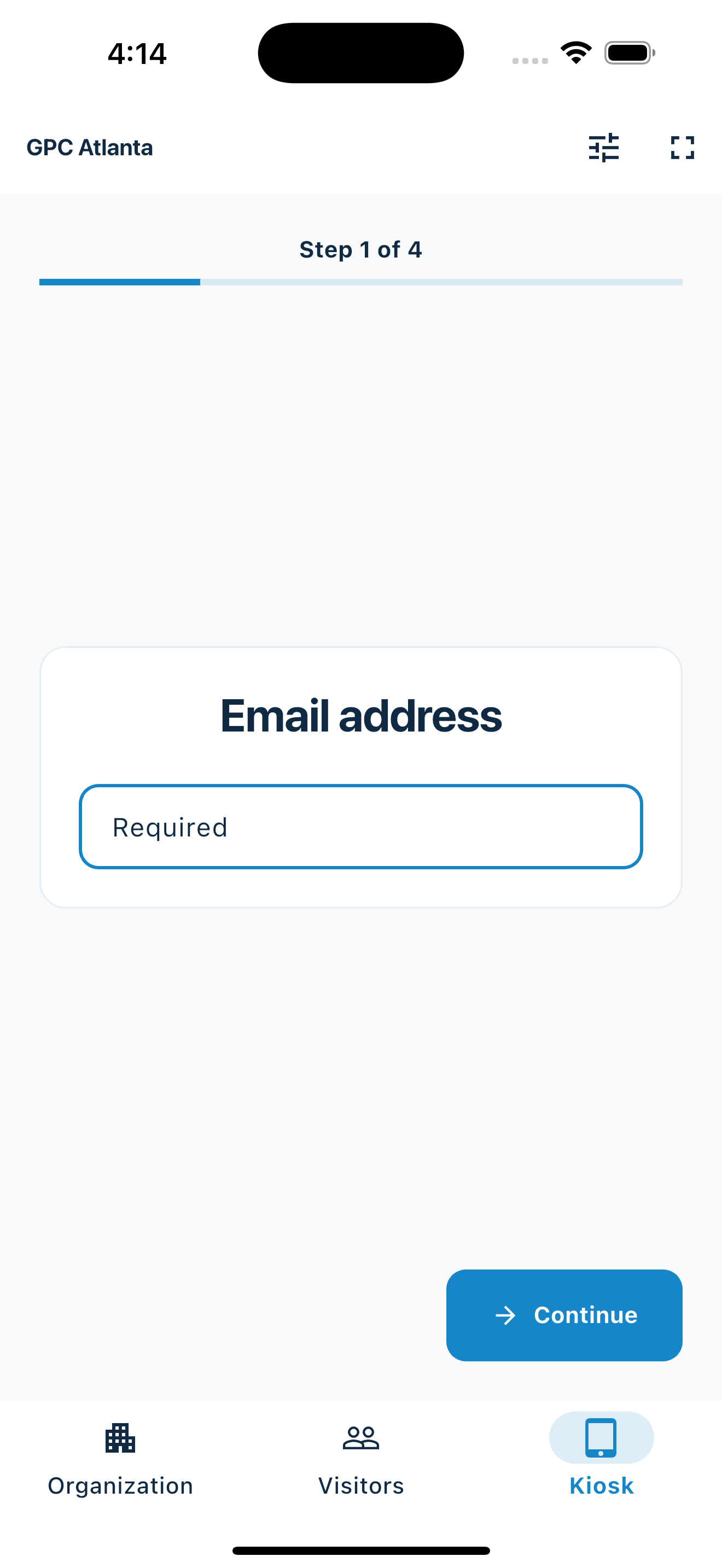
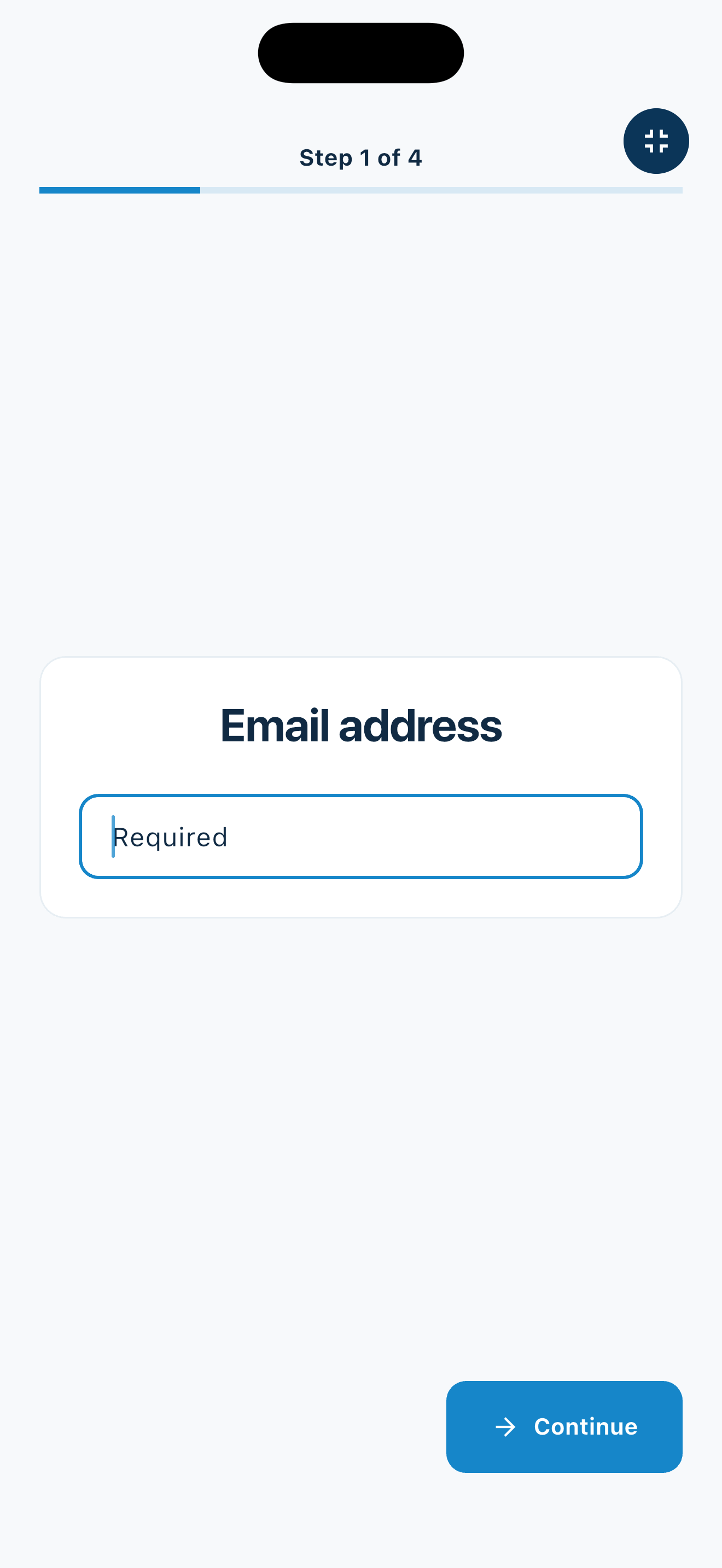
MemberMaker turns an iPhone, iPad, or supported Android device into a clean visitor sign-in kiosk for church lobbies, welcome tables, adult classes, community meals, and outreach events. Guests enter their own contact details, then parents can select saved children or add them by name. Your team gets individual attendance records and adult contact details for follow-up.
Family and children's check-in
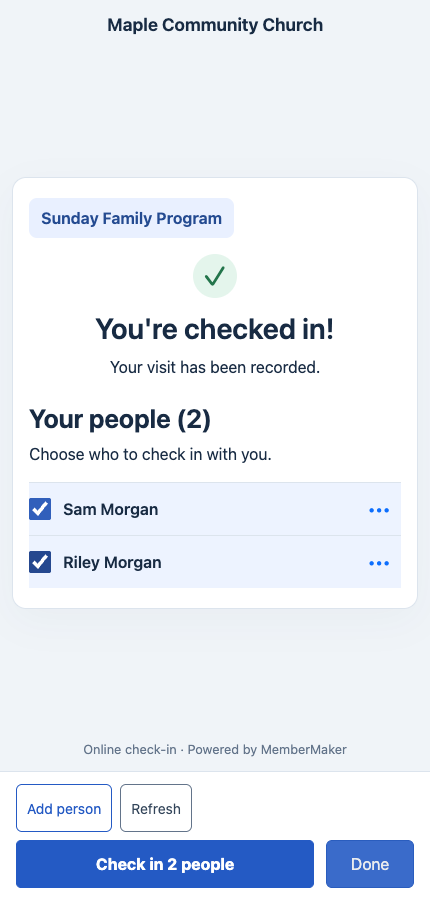
A parent completes your usual visitor check-in, then selects saved children or adds someone by name. Each selected person receives a separate attendance record, so your welcome table can record the family attending together.
For a family service or children’s program with participating adults, record the parent first and then the children present. On the next visit, the saved people are ready to select again.
Enable Group check-in in your organization's Group/Family Checkin page or Kiosk Settings. It is off by default and works in the app kiosk and web/QR flow.
The parent is recorded as attending too. Group check-in records attendance; use your existing procedures for child registration, classroom assignment, and authorized pickup.
Built for churches without extra complexity
Help your welcome team collect readable visitor details and record families attending together. Parents complete the usual check-in first, then choose children from their saved people without entering a separate email or phone number for each child.
Set the device where your connection cards or guestbook usually sit. First-time guests can sign in at their own pace, returning visitors can be tracked over time, and the information is ready when your pastor, ministry leader, or welcome team wants to reach out.
Capture guest contact details at the welcome table before or after worship, without passing a clipboard down the row.
Use the same device for Bible studies, adult groups, membership classes, volunteer orientations, and recurring ministry gatherings.
Build a follow-up list from meals, open houses, volunteer days, neighborhood events, and seasonal programs.
Follow up while the visit is still fresh
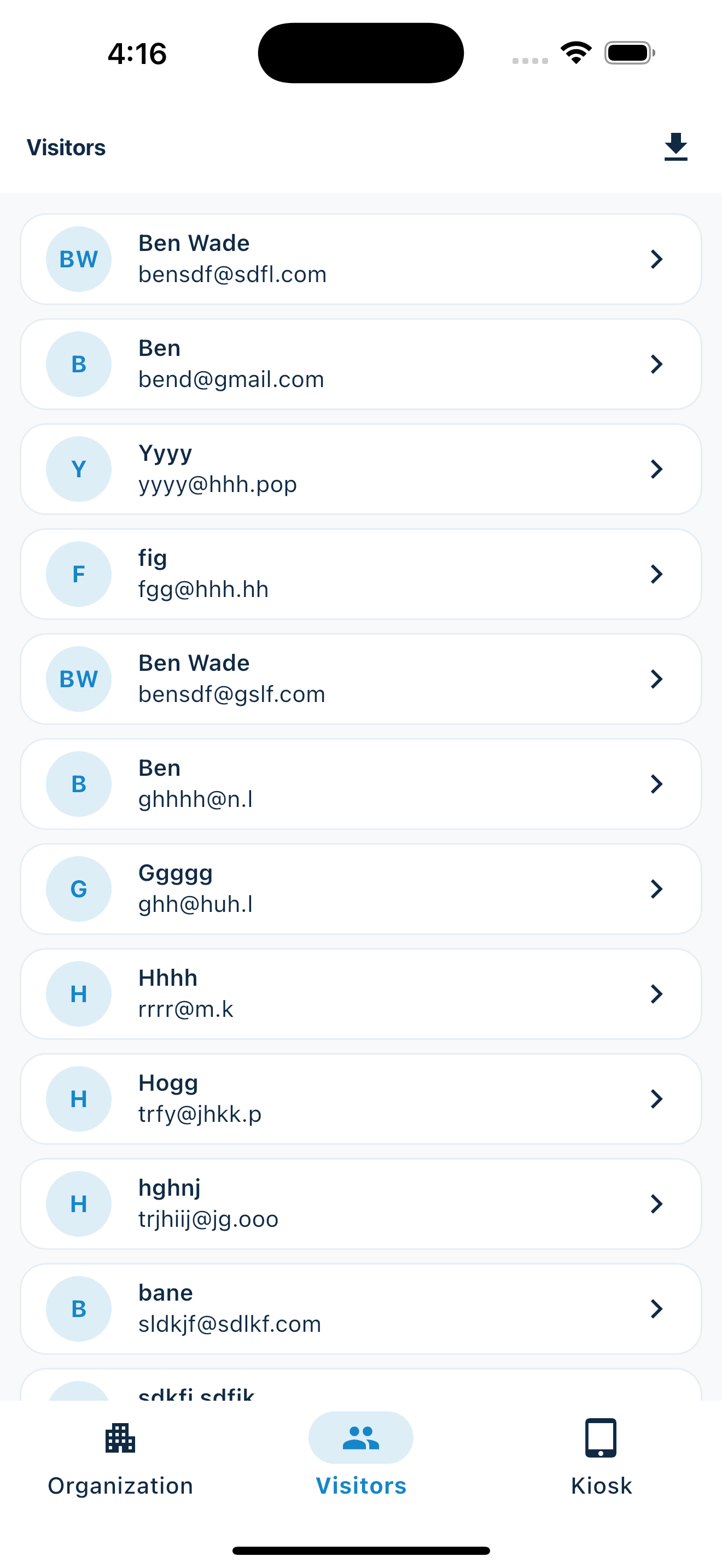
A visitor check-in kiosk helps your team move faster after Sunday. Instead of entering paper cards into a spreadsheet, your guest list is already digital, easier to read, and ready to export.
MemberMaker works best anywhere a church would normally put a connection card, visitor book, attendance sheet, or clipboard.
Church guests may not want a complicated registration process, and volunteers may not have time to manage a large system. A focused sign-in kiosk keeps the moment calm while still giving your team the details they need.
An honest fit check
MemberMaker fits churches replacing connection cards, guest books, and attendance clipboards. Keep specialized responsibilities in the systems designed for them.
No. MemberMaker is a focused visitor check-in app for contact details, custom responses, and visit records. It does not manage households, membership, giving, groups, or church communications.
Yes. MemberMaker supports iPhone, iPad, and supported Android devices. Fullscreen mode keeps the shared device focused on guided guest check-in.
Yes. Export approved contact details, responses, check-in and checkout times, status, and duration to CSV for the church workflow you already use.
No. MemberMaker captures and exports the guest record. Your welcome team uses its approved email, text, church management, or pastoral-care process for follow-up.
Yes. Create reusable prompt groups, publish different questions, and apply an experience to one kiosk or every appropriate organization kiosk.
Group check-in lets a parent check in first, then select saved children or add them by name. Each person receives a separate attendance record for the same event. It does not provide security labels, authorized pickup, classroom assignment, or verified guardianship.
Your web dashboard and kiosk app
Create your organization, build and publish kiosk questions, choose required fields, and configure identification and optional checkout. Apply a published question group to your organization’s kiosks from the dashboard.
Create a web accountInstall MemberMaker on your iPad or Android tablet, sign in to the same account, and select your organization. Open fullscreen mode so visitors can check in at your table or entrance.


Keep the dashboard open to see arrivals and departures update automatically. Review visitor history, answers, and checkout status, then export records when you need them.
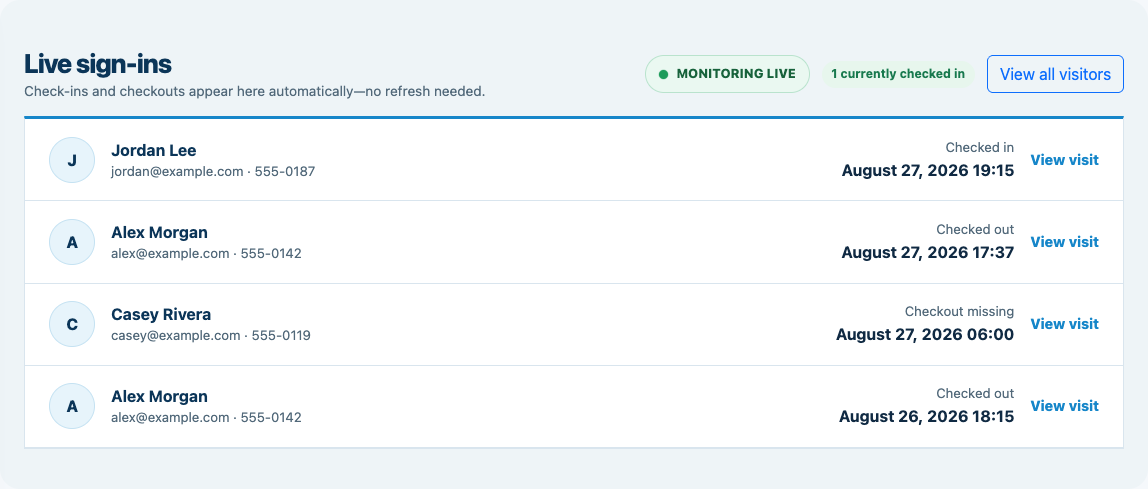
Optional visitor checkout
Enable checkout for your organization and choose the return window. When an open visitor enters the same email or phone again within that window, MemberMaker checks them out immediately instead of making them repeat their profile and prompts.
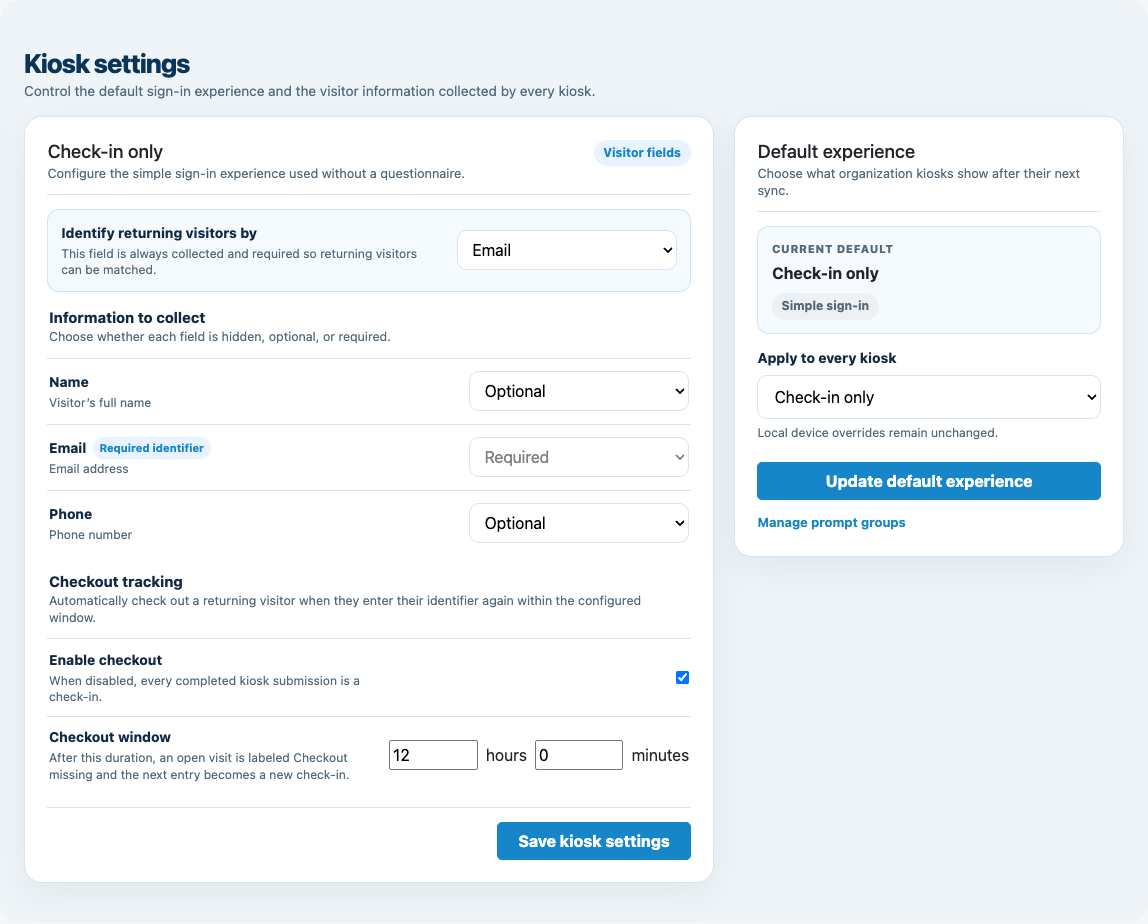
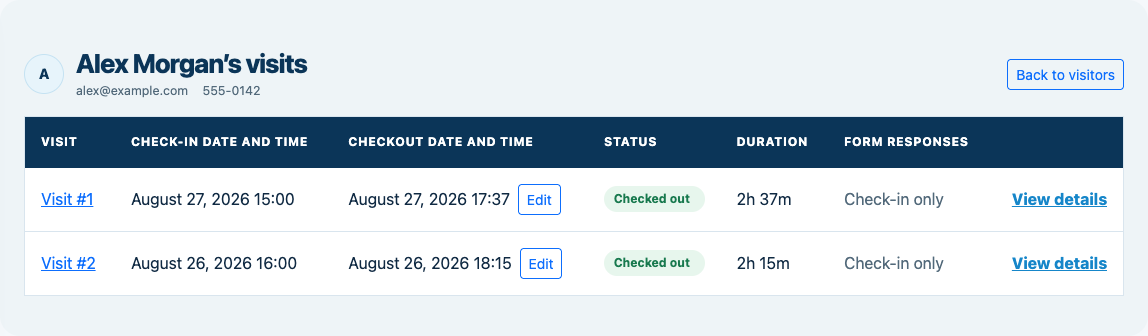
Customizable visitor sign-in kiosk
Create reusable prompt groups for different entrances, events, programs, or visitor types. Add custom questions, choose required fields and answer types, then apply the published form to this device or every kiosk in the organization.
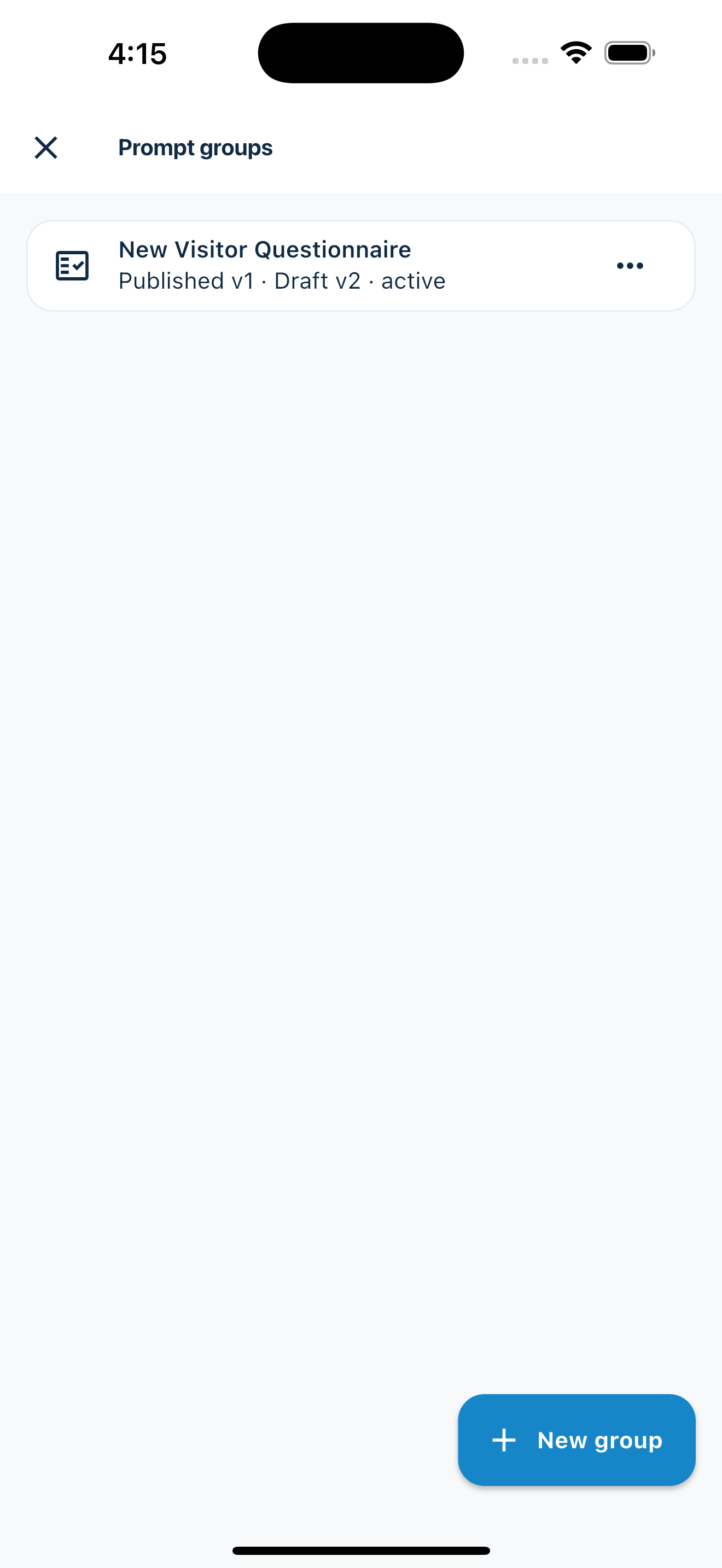
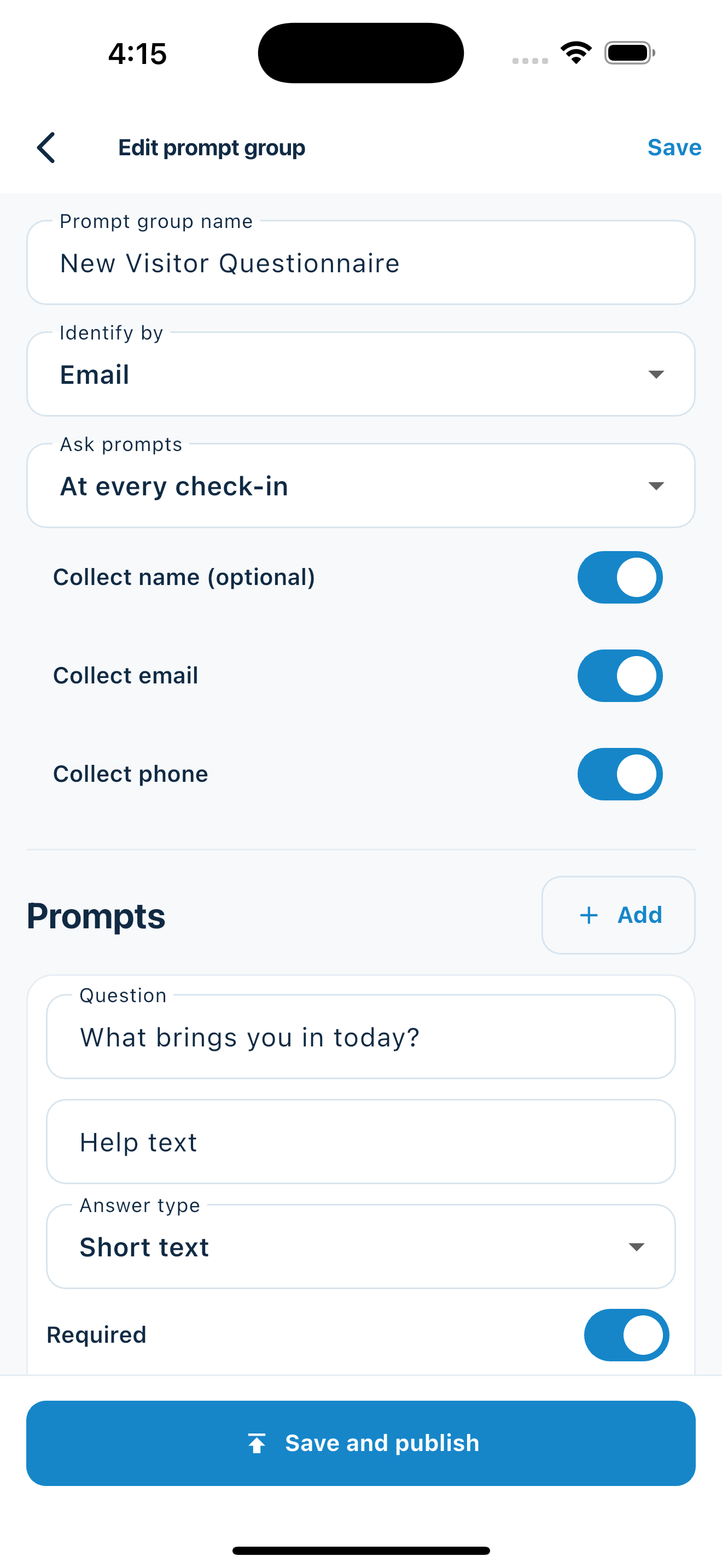
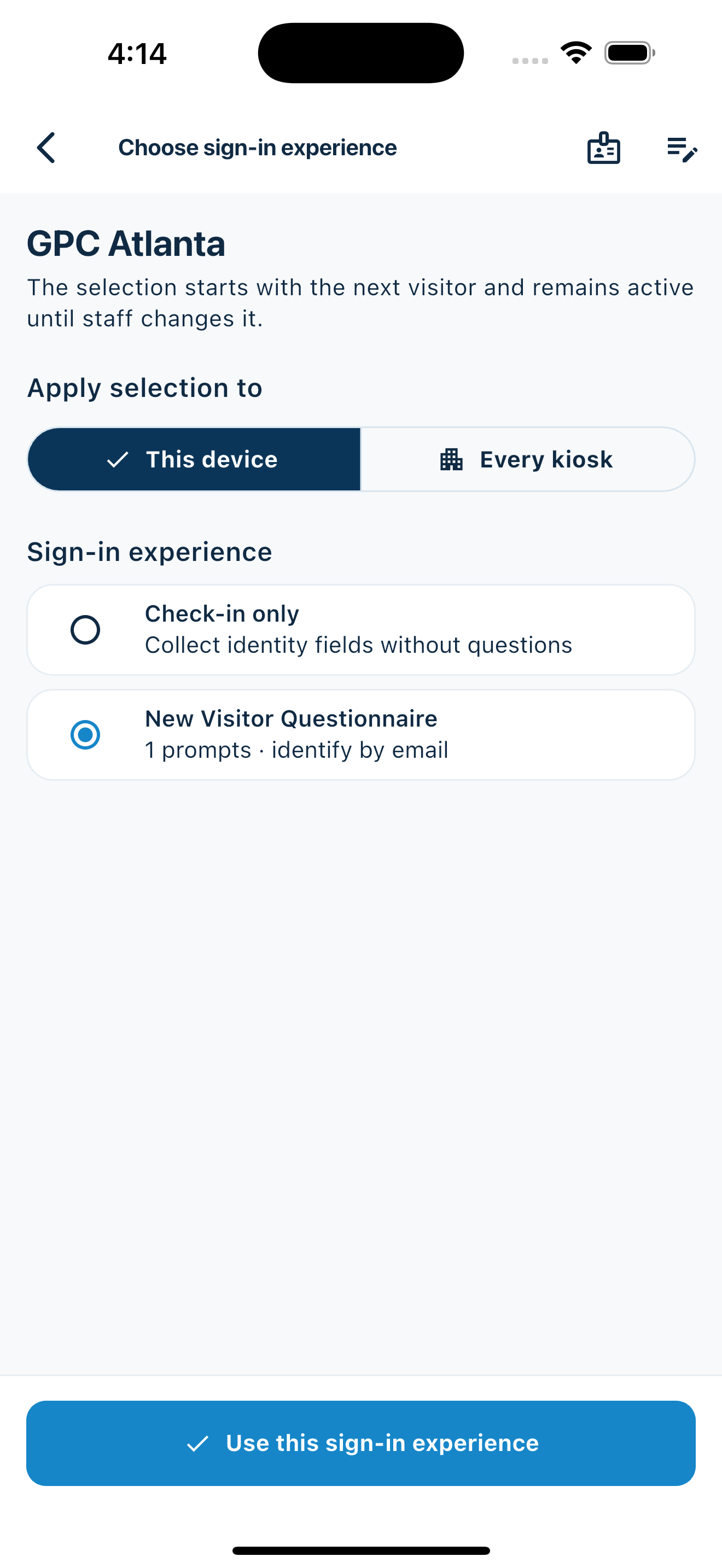
Keep a front-desk form, event questionnaire, volunteer flow, or check-in-only experience ready to use.
Mix text, Yes or No, single choice, multiple choice, number, and date questions in the same group.
Change only the device in your hand or apply one published experience throughout the organization.
Published forms download to the device so visitor sign-in can continue without a connection.
Put MemberMaker at your next service, class, or outreach event and give your welcome team a clearer way to capture guest information for follow up.
Set up your questions and kiosk settings in the web dashboard. See live sign-ins here once your kiosk is running.
Create a web accountReady to set up your kiosk? Download the app and sign in to the same account.