Programs share the same front desk
Classes, clubs, lunches, and special events all need a consistent way to collect participant information.
Community program attendance
MemberMaker helps recreation programs, senior activities, neighborhood groups, and community events collect readable visitor details through a calm flow that works for many ages and comfort levels.
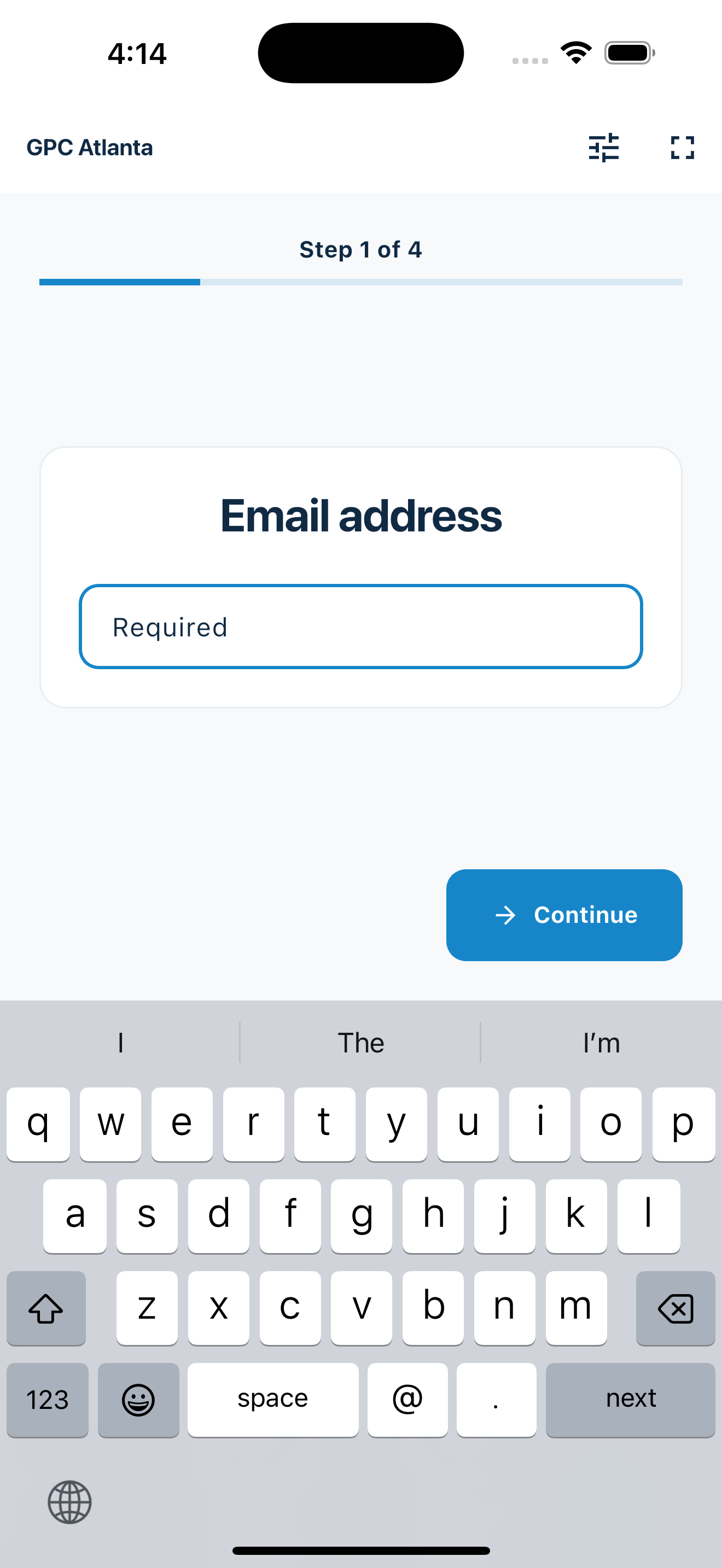
One welcoming process
A shared, understandable workflow makes arrival easier for participants and the people running each program.
Classes, clubs, lunches, and special events all need a consistent way to collect participant information.
Large, focused screens and one question at a time reduce the chance that someone feels lost in the process.
Digital visitor records make it easier to recognize repeat participation and export contact details when needed.
Your web dashboard and kiosk app
Create your organization, build and publish kiosk questions, choose required fields, and configure identification and optional checkout. Apply a published question group to your organization’s kiosks from the dashboard.
Create a web accountInstall MemberMaker on your iPad or Android tablet, sign in to the same account, and select your organization. Open fullscreen mode so visitors can check in at your table or entrance.


Keep the dashboard open to see arrivals and departures update automatically. Review visitor history, answers, and checkout status, then export records when you need them.

Customizable visitor sign-in kiosk
Create reusable prompt groups for different entrances, events, programs, or visitor types. Add custom questions, choose required fields and answer types, then apply the published form to this device or every kiosk in the organization.



Keep a front-desk form, event questionnaire, volunteer flow, or check-in-only experience ready to use.
Mix text, Yes or No, single choice, multiple choice, number, and date questions in the same group.
Change only the device in your hand or apply one published experience throughout the organization.
Published forms download to the device so visitor sign-in can continue without a connection.
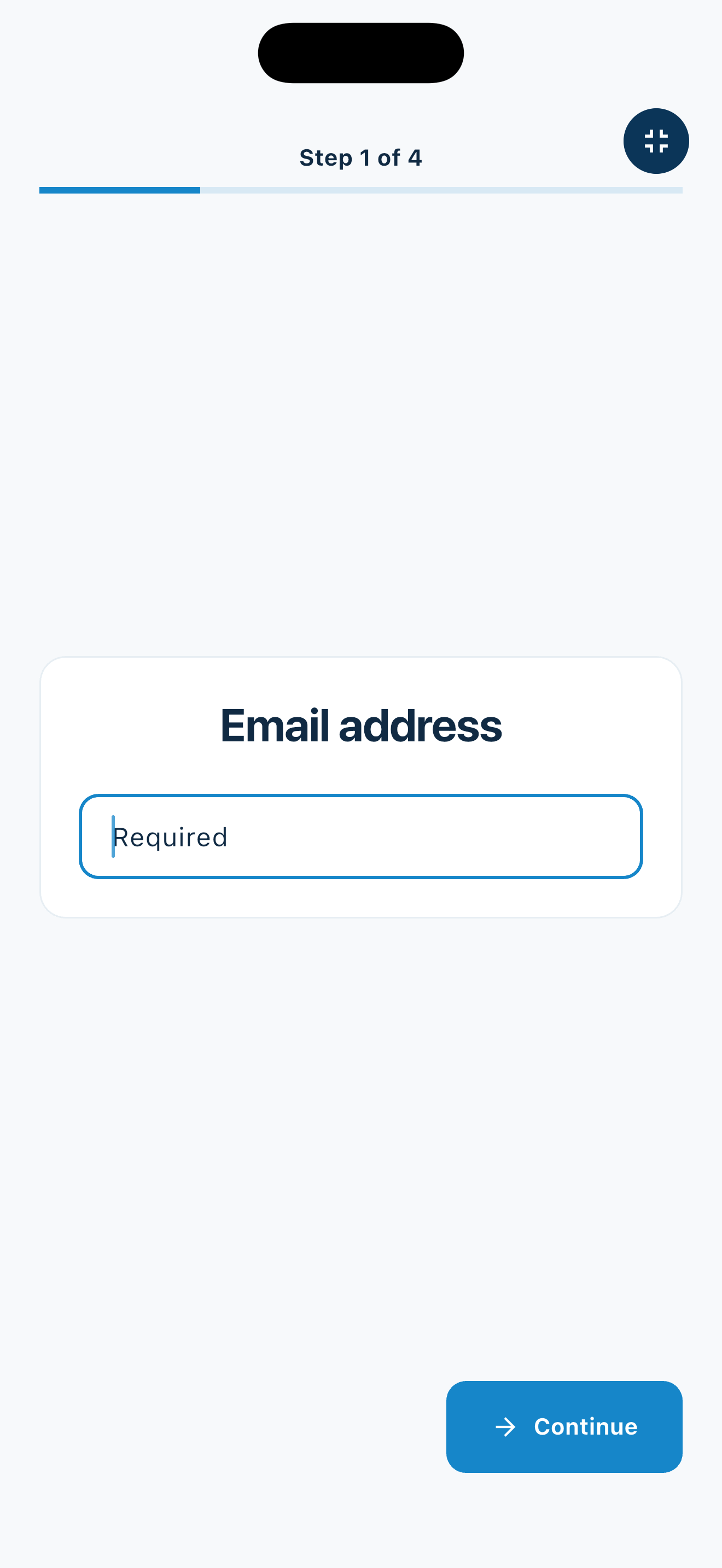
Designed to be assisted
The same clear screens work for independent check-in and for a volunteer entering details alongside a visitor.
Across the center
MemberMaker can move between regular programs and special events on hardware the center already owns.
Record participants at arts, fitness, hobby, and educational programs.
Provide a predictable process for lunches, bingo, social clubs, and wellness programs.
Collect readable contact details from town halls, associations, and resident gatherings.
Use the same portable station for fairs, open houses, resource days, and seasonal programs.
An honest fit check
Keep enrollment, payments, safety, and access workflows in the systems designed for them.
Common questions
MemberMaker uses a predictable, step-by-step flow rather than a long form. A volunteer can also assist a visitor through the same screens when help is preferred.
A phone or tablet can be used at different welcome points and events. Create and select the appropriate organization or program before check-in begins.
No. It records visitor details and visits. Use a registration platform when you need enrollment limits, fees, waivers, or class scheduling.
Yes. Export contact details to CSV for a spreadsheet, email tool, or another approved administrative workflow.
Start in your browser
Create a web account to manage your organization. When you’re ready for guests, install the kiosk app on your iPad or Android tablet.
Set up your questions and kiosk settings in the web dashboard. See live sign-ins here once your kiosk is running.
Create a web accountReady to set up your kiosk? Download the app and sign in to the same account.