Keep a front-desk form, event questionnaire, volunteer flow, or check-in-only experience ready to use.
Simple sign-in for older guests
Sign in kiosk for elderly people and low-tech event guests
MemberMaker turns an iPhone or iPad into a calm, simple visitor sign-in kiosk for events where older adults and people who are not comfortable with technology need an easy way to check in.
- Step-by-step sign-in flow
- Readable, focused screens with one decision at a time
- Works on supported iPhone, iPad, and Android devices
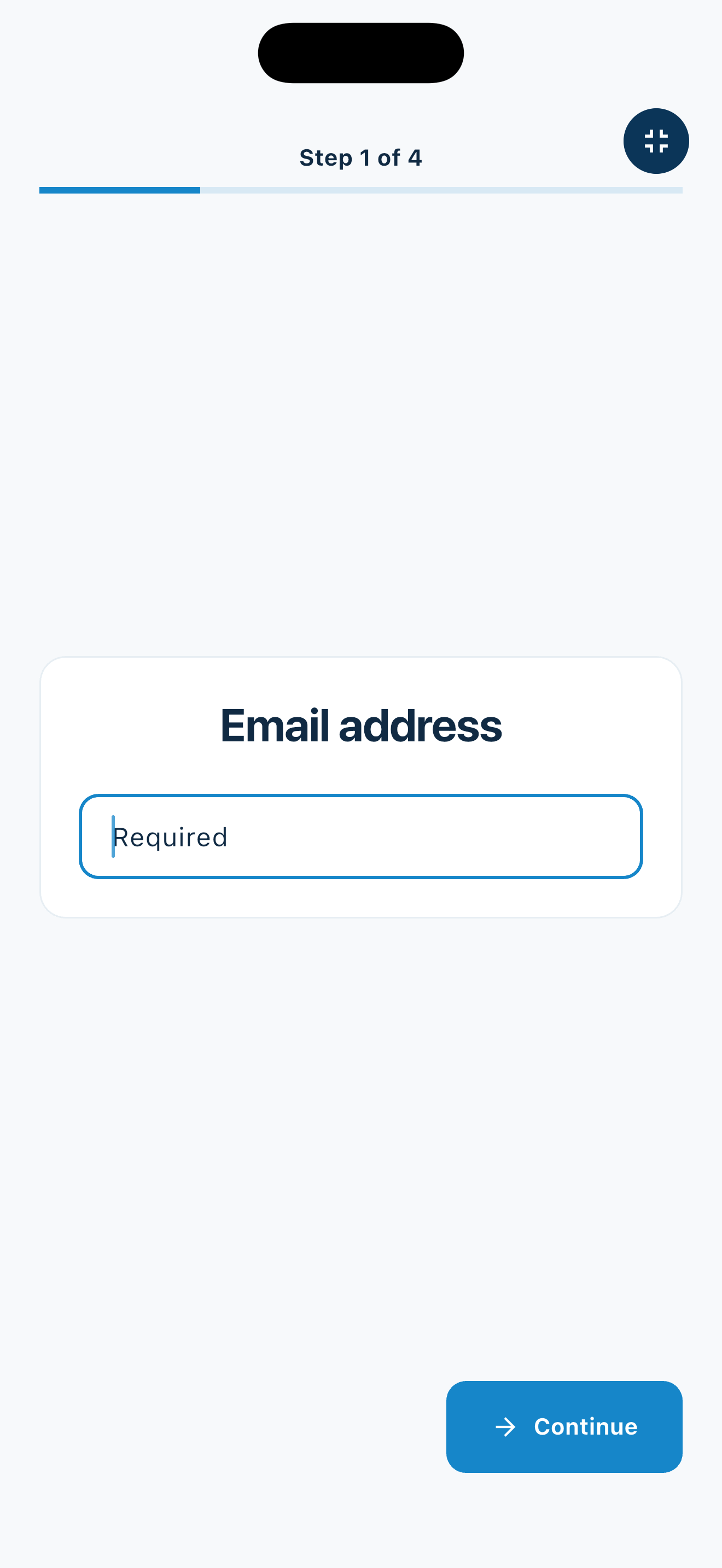
- Fullscreen kiosk mode for self-service check-in
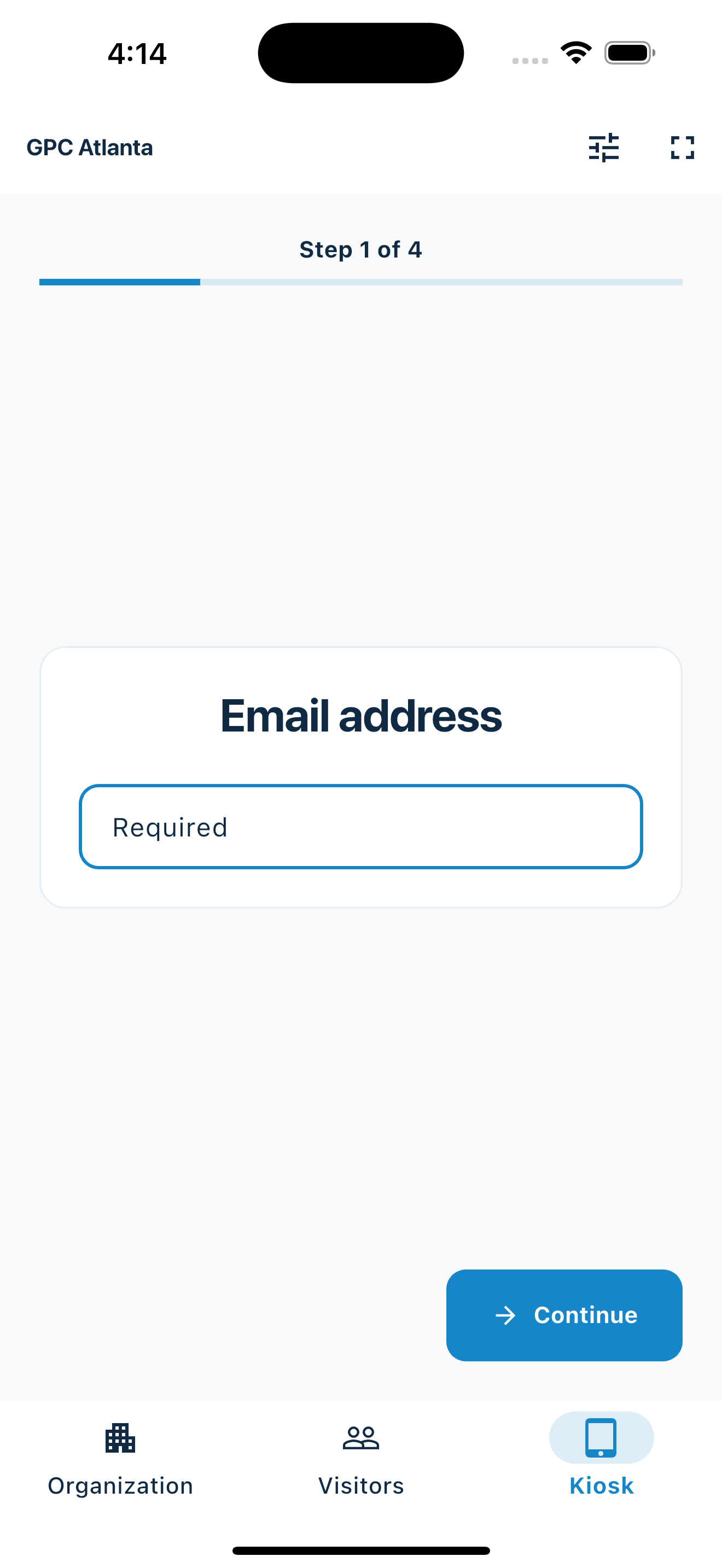
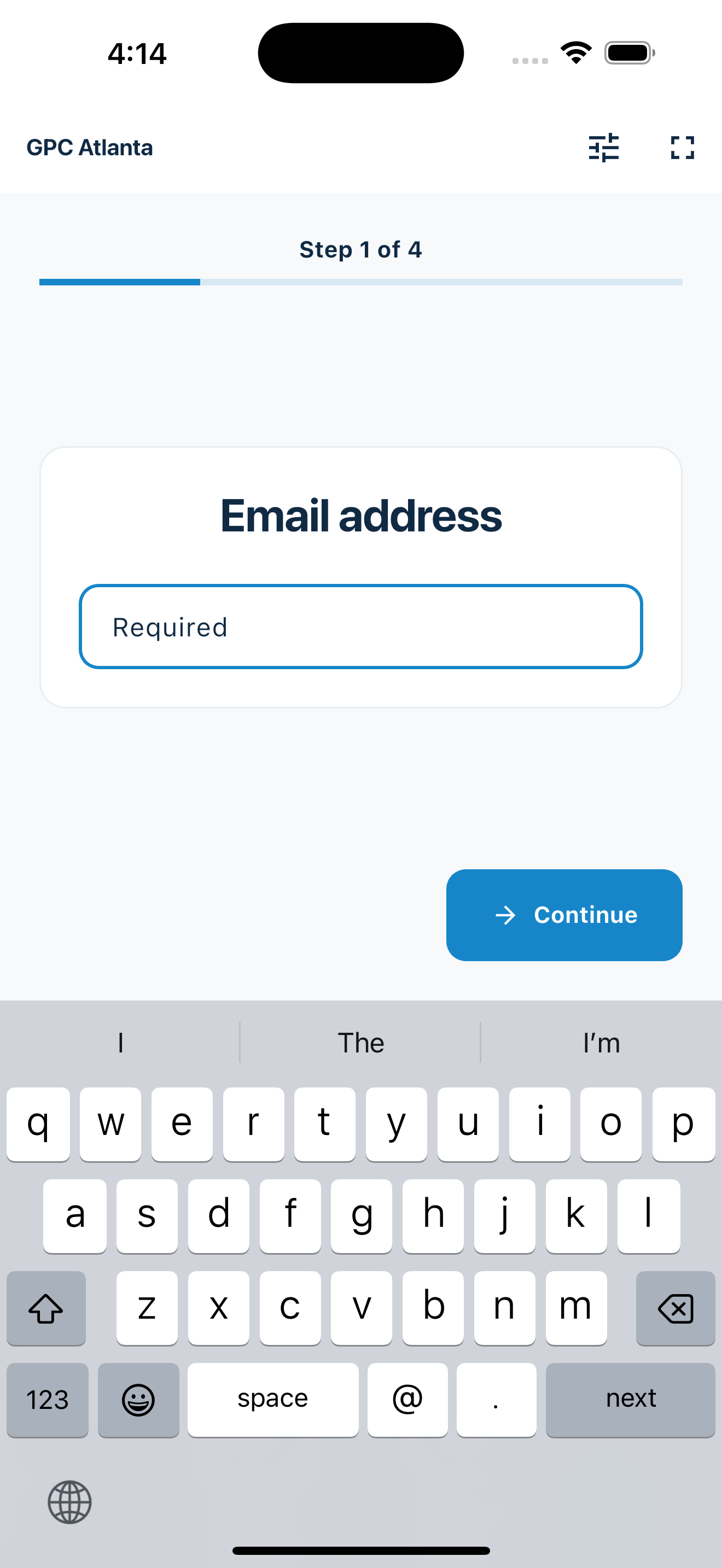
Built for real front tables
A digital sign-in sheet that still feels approachable
Many event check-in tools assume every guest is comfortable with apps, QR codes, accounts, and tiny screens. That is not always true at senior centers, church lunches, bingo nights, veterans groups, community classes, health fairs, and local club meetings.
MemberMaker keeps the job simple: enter contact details, submit the visit, and move on. A volunteer can stand nearby, but the screen does not require guests to learn a complicated system.
Good fits for senior-focused events
Senior center activities
Use a tablet at the entrance for classes, social events, lunch programs, workshops, and recurring community gatherings.
Church and ministry groups
Collect visitor details at Bible studies, senior ministries, community meals, welcome tables, and weekday programs.
For intergenerational church gatherings, Group check-in lets an adult select saved family members or add children by name after their own check-in. Each selected person gets a separate visit.
Bingo and local club nights
Replace a clipboard at bingo nights, hobby groups, veterans meetings, civic clubs, and neighborhood events.
Keep the experience calm
Help older guests sign in without making them feel stuck
The best kiosk setup for elderly people is not just software. It is a clear table, a bright screen, plain instructions, and a friendly person nearby for the guests who want help.
- Put the tablet where the paper sign-in sheet used to sit
- Use a tablet stand so the screen is easy to see
- Keep the screen bright and unlocked before guests arrive
- Tell guests, "Please sign in on the tablet"
- Let a volunteer enter details for anyone who prefers help
Why replace the paper sign-in sheet?
Better readability
Handwritten names, phone numbers, and emails are often hard to read later. Digital entry gives your team cleaner contact details from the start.
Easier follow-up
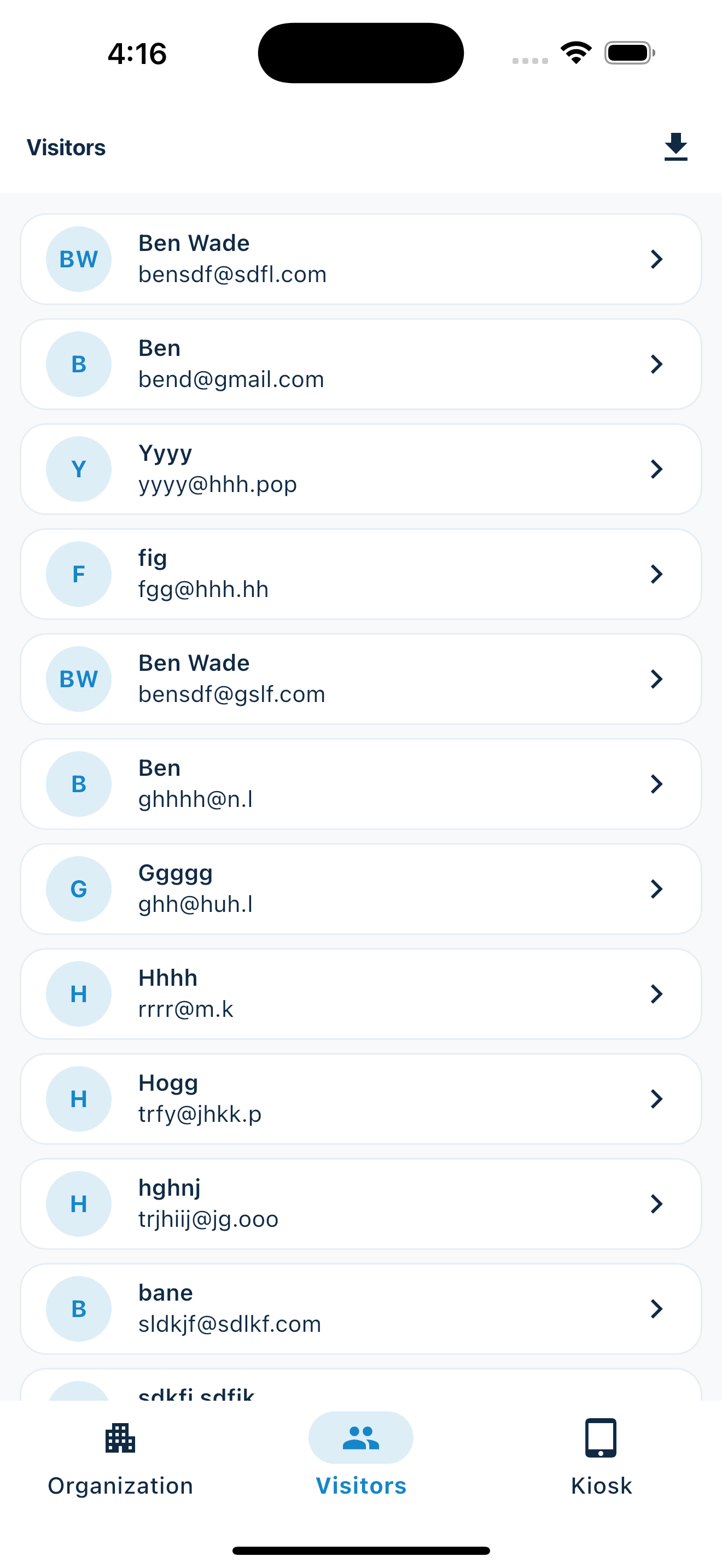
After the event, review the visitor list and export contacts to CSV instead of typing everything into a spreadsheet.
Repeat visit tracking
MemberMaker records visits over time, which helps you recognize returning guests and understand attendance patterns.
No special hardware
Start with an iPhone or iPad your organization already owns. You do not need a badge printer, scanner, or ticketing setup.
For organizers and volunteers
Make check-in easier for the people running the event too
Volunteers should not have to decode handwriting, chase down missing phone numbers, or rebuild the attendance list after everyone leaves. MemberMaker keeps guest information organized while the event is happening.
- Collect names, email addresses, and phone numbers
- Use fullscreen mode to keep the device focused on check-in
- See visitors and repeat attendance after the event
- Export contacts when your team is ready to follow up
Frequently asked questions
Is this realistic for elderly guests?
Yes, when the setup is simple. Use one obvious tablet, a large enough screen, and a volunteer nearby. Many guests can sign in themselves, and anyone who needs help can still be assisted.
Should we keep a paper backup?
For the first event, that can be helpful. Most organizations can move the normal flow to the tablet while keeping paper available for unusual cases.
Is it only for senior centers?
No. It also works for churches, community centers, civic clubs, health fairs, open houses, and local events with guests who prefer a simple process.
Can someone else type for the guest?
Yes. A volunteer can use the same sign-in flow to enter details for a guest who would rather answer out loud.
Your web dashboard and kiosk app
Manage online. Check in on your tablet.
1. Set up your web dashboard
Create your organization, build and publish kiosk questions, choose required fields, and configure identification and optional checkout. Apply a published question group to your organization’s kiosks from the dashboard.
Create a web account2. Download the app when your kiosk is ready
Install MemberMaker on your iPad or Android tablet, sign in to the same account, and select your organization. Open fullscreen mode so visitors can check in at your table or entrance.


3. See live sign-ins in your browser
Keep the dashboard open to see arrivals and departures update automatically. Review visitor history, answers, and checkout status, then export records when you need them.

Customizable visitor sign-in kiosk
Build the right sign-in flow, then put it on the right kiosks
Create reusable prompt groups for different entrances, events, programs, or visitor types. Add custom questions, choose required fields and answer types, then apply the published form to this device or every kiosk in the organization.
- Short text
- Long text
- Yes / No
- Single choice
- Multiple choice
- Number
- Date



Mix text, Yes or No, single choice, multiple choice, number, and date questions in the same group.
Change only the device in your hand or apply one published experience throughout the organization.
Published forms download to the device so visitor sign-in can continue without a connection.
Replace the clipboard without making check-in complicated
Use MemberMaker at your next senior event, church gathering, bingo night, community class, or local club meeting.
Set up your questions and kiosk settings in the web dashboard. See live sign-ins here once your kiosk is running.
Create a web accountReady to set up your kiosk? Download the app and sign in to the same account.