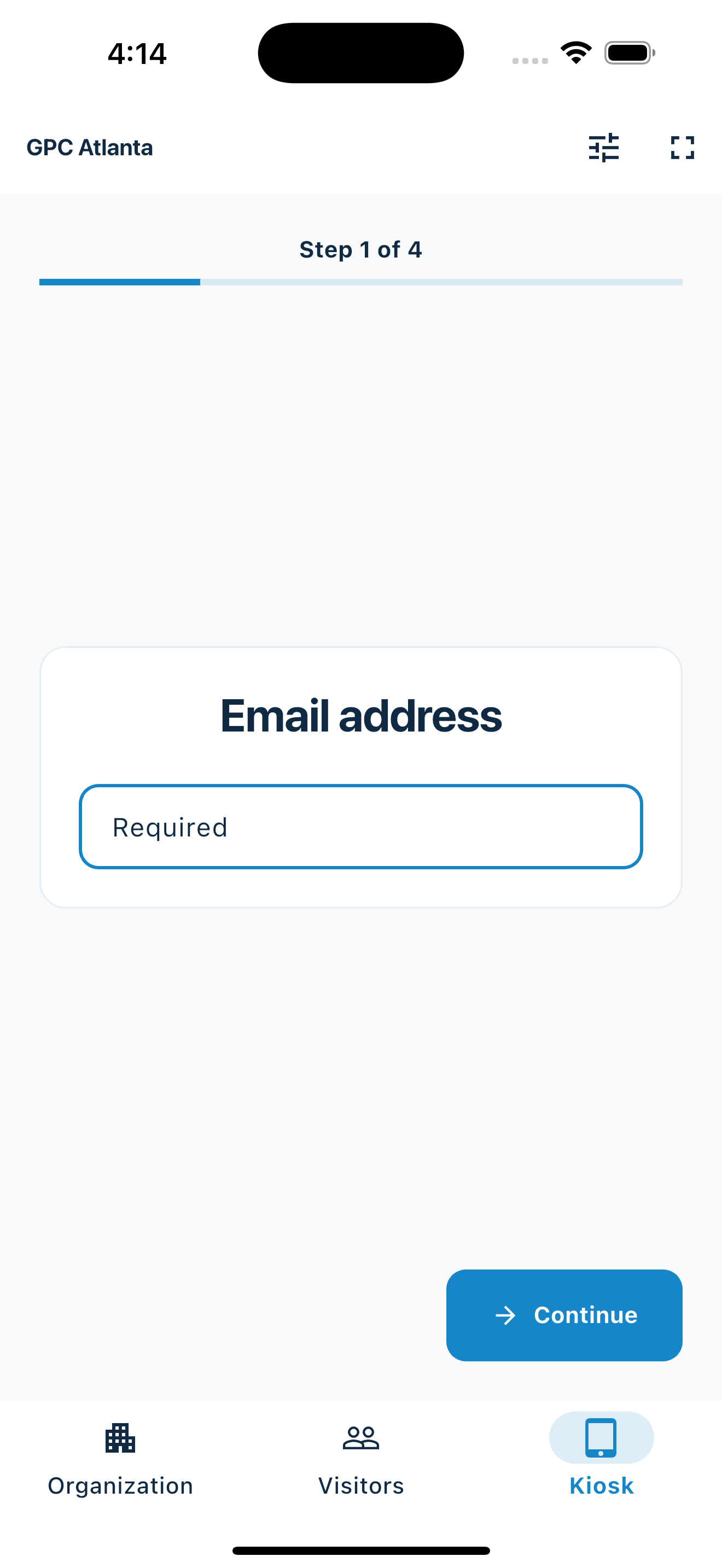
One clear decision per screen
Visitors are never presented with a long form or a screen full of competing options.
For small businesses, enterprise teams, and community organizations
Give visitors a clear way to sign in and your team a live attendance record. Set up questions and kiosks in the web dashboard, record arrivals and departures, and export the records you need. Use MemberMaker at your front desk, training sessions, classes, and events.
Try a short check-in with sample details, answer a branching question, and preview the organizer’s record. No account or app download needed.

Your web dashboard and kiosk app
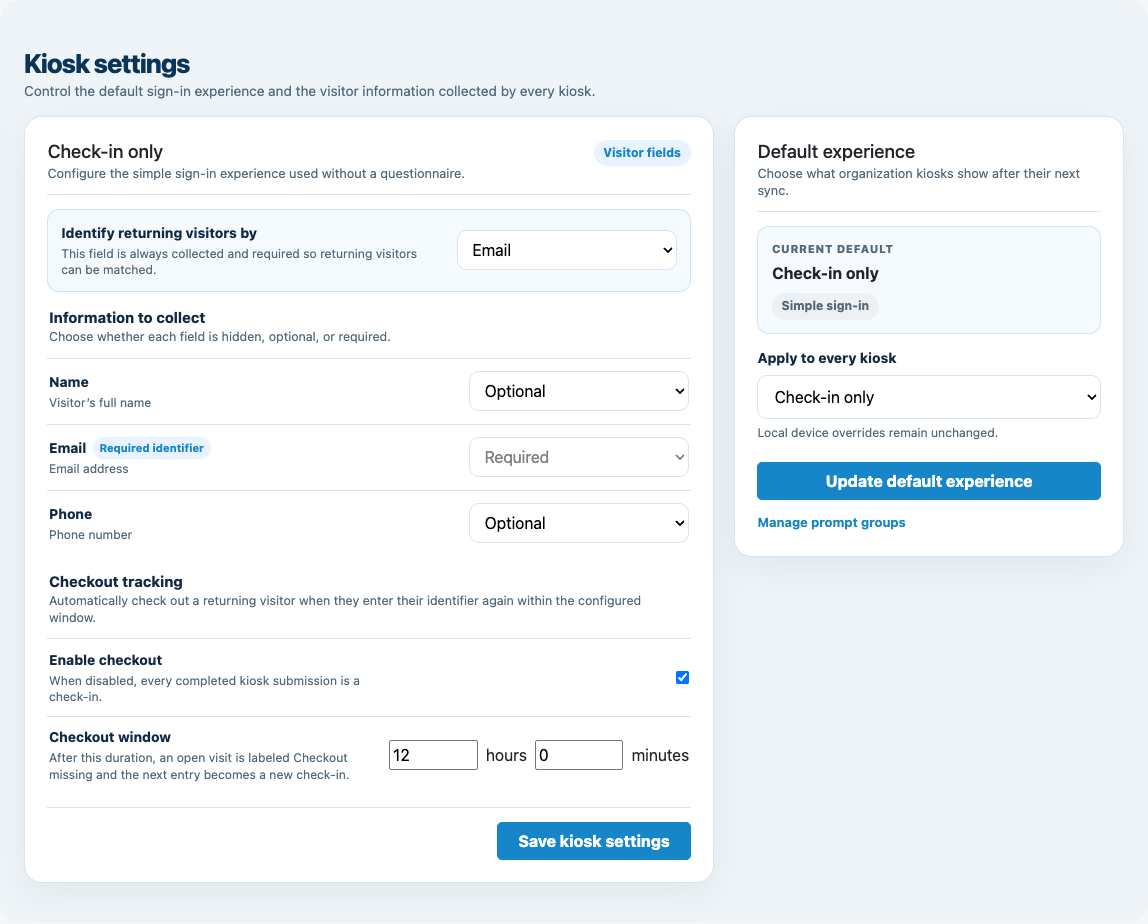
Create your organization, build and publish kiosk questions, choose required fields, and configure identification and optional checkout. Apply a published question group to your organization’s kiosks from the dashboard.
Create a web accountInstall MemberMaker on your iPad or Android tablet, sign in to the same account, and select your organization. Open fullscreen mode so visitors can check in at your table or entrance.


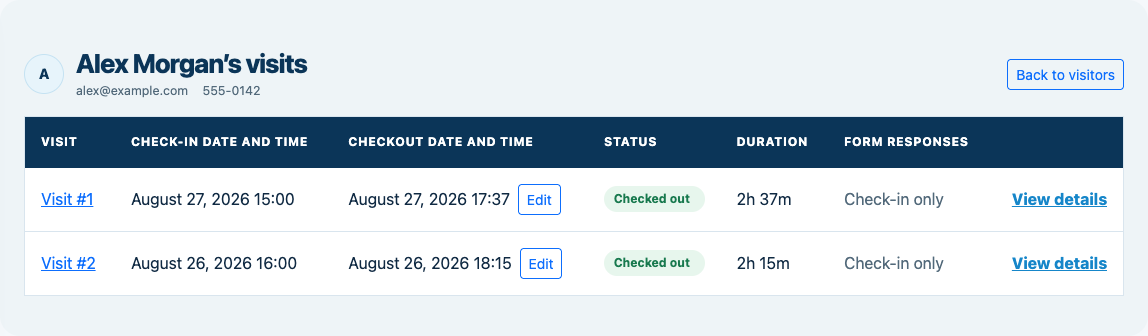
Keep the dashboard open to see arrivals and departures update automatically. Review visitor history, answers, and checkout status, then export records when you need them.

For office visitors, employee training, classes, and community programs
Mistake-resistant by design
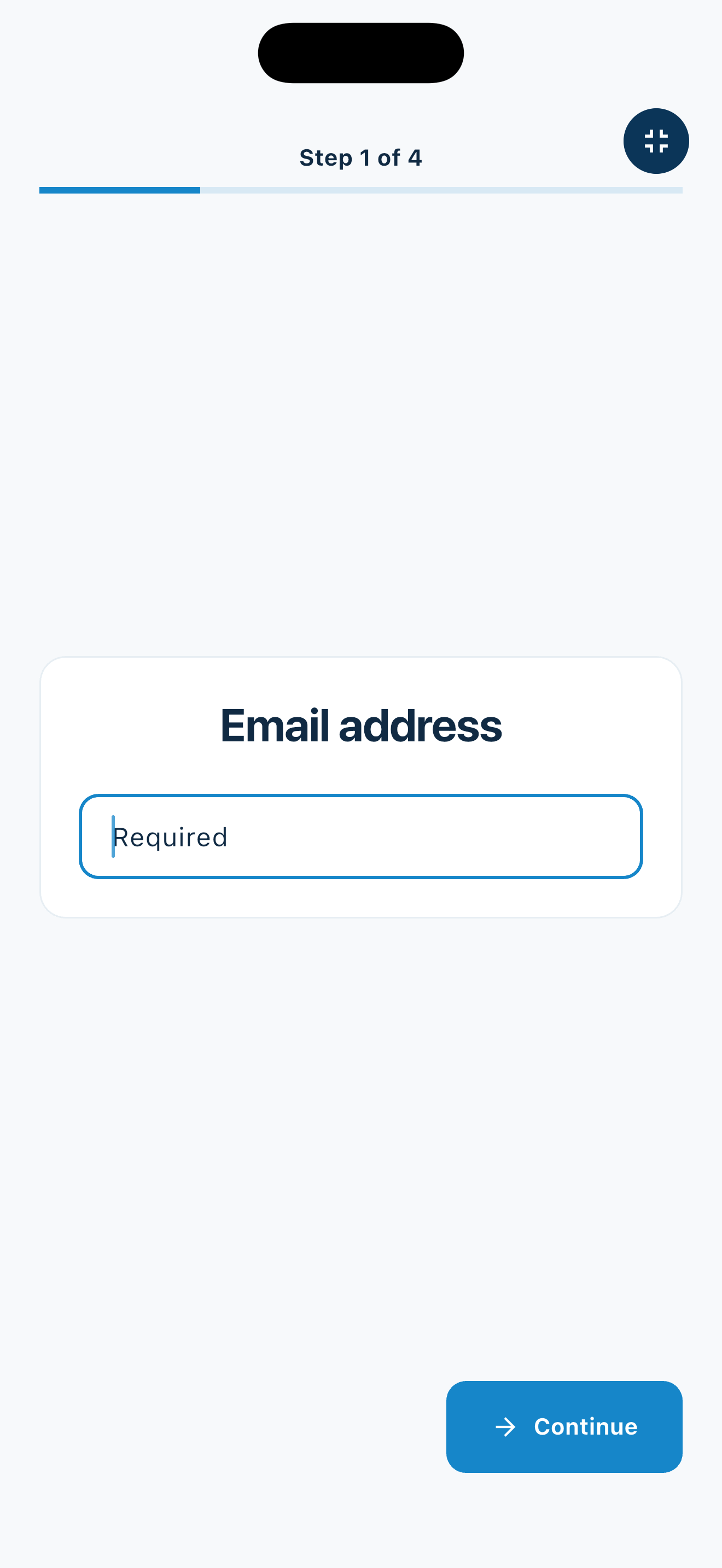
A self-service kiosk only works when everyone can use it. MemberMaker was designed for busy entrances, older adults, and guests who may not feel comfortable with apps or touchscreens.
Visitors are never presented with a long form or a screen full of competing options.
Required information is collected in order, so guests cannot accidentally skip an important step.
A simple review screen lets visitors check their details before the visit is recorded.
Flexible questions. Consistent screens. Clear progress.
Visitor records your team can use
Collect visitor details, recognize returning people, and review attendance by event. Give staff a consistent check-in process across the kiosks in each organization.
Large, focused screens help older adults and technology-shy visitors complete check-in without feeling rushed or embarrassed.
Names, emails, phone numbers, and visits stay digital from the start—without deciphering handwriting afterward.
Export your list to CSV and bring it into the spreadsheet, email platform, or workflow your organization already uses.
From clipboard to contact list
Find your use case
From a single front desk to teams across your organization
Use the same attendance tools for daily visitors, recurring training, and scheduled classes.
Put a supported phone or tablet at your entrance. Choose the details visitors provide, see arrivals live, and export your guest list for follow-up.
See small business check-in →Give staff access to the organizations they manage. Each organization keeps its own visitors, forms, devices, and records. Staff can switch between organizations they belong to and configure one kiosk or every kiosk within an organization.
See check-in for larger organizations →Keep each session’s attendance separate. Schedule weekly classes with individual reservations, review who booked and attended, and export attendance records.
See recurring classes and reservations →Have several teams or locations to set up? Talk to us about your organization.
Choose your class times and how many people can attend. Share a booking link, send automatic reminders, and record attendance.
See how class bookings work → Volunteer hoursSee how many hours each person volunteered.Mark an event as a volunteer activity and record when people arrive and leave. Review their hours, approve them, and download a report.
See how volunteer hours work →Optional visitor checkout
Enable checkout for your organization and choose the return window. When an open visitor enters the same email or phone again within that window, MemberMaker checks them out immediately instead of making them repeat their profile and prompts.
Customizable visitor sign-in kiosk
Create reusable prompt groups for different entrances, events, programs, or visitor types. Add custom questions, choose required fields and answer types, then apply the published form to this device or every kiosk in the organization.


Keep a front-desk form, event questionnaire, volunteer flow, or check-in-only experience ready to use.
Mix text, Yes or No, single choice, multiple choice, number, and date questions in the same group.
Change only the device in your hand or apply one published experience throughout the organization.
Published forms download to the device so visitor sign-in can continue without a connection.
Set up your next check-in
Start with one office, training session, class, or event. Configure your organization online, then set up the kiosks your team needs.
Set up your questions and kiosk settings in the web dashboard. See live sign-ins here once your kiosk is running.
Create a web accountReady to set up your kiosk? Download the app and sign in to the same account.