One form does not fit every arrival
A client, interview candidate, vendor, and delivery driver may need different questions. Reusable prompt groups let the office switch workflows without rebuilding them.
Office visitor check-in
Turn a phone or tablet at reception into a guided arrival point for clients, candidates, vendors, contractors, and deliveries. Switch reusable prompt groups as the visitor workflow changes, while keeping every screen simple to complete.
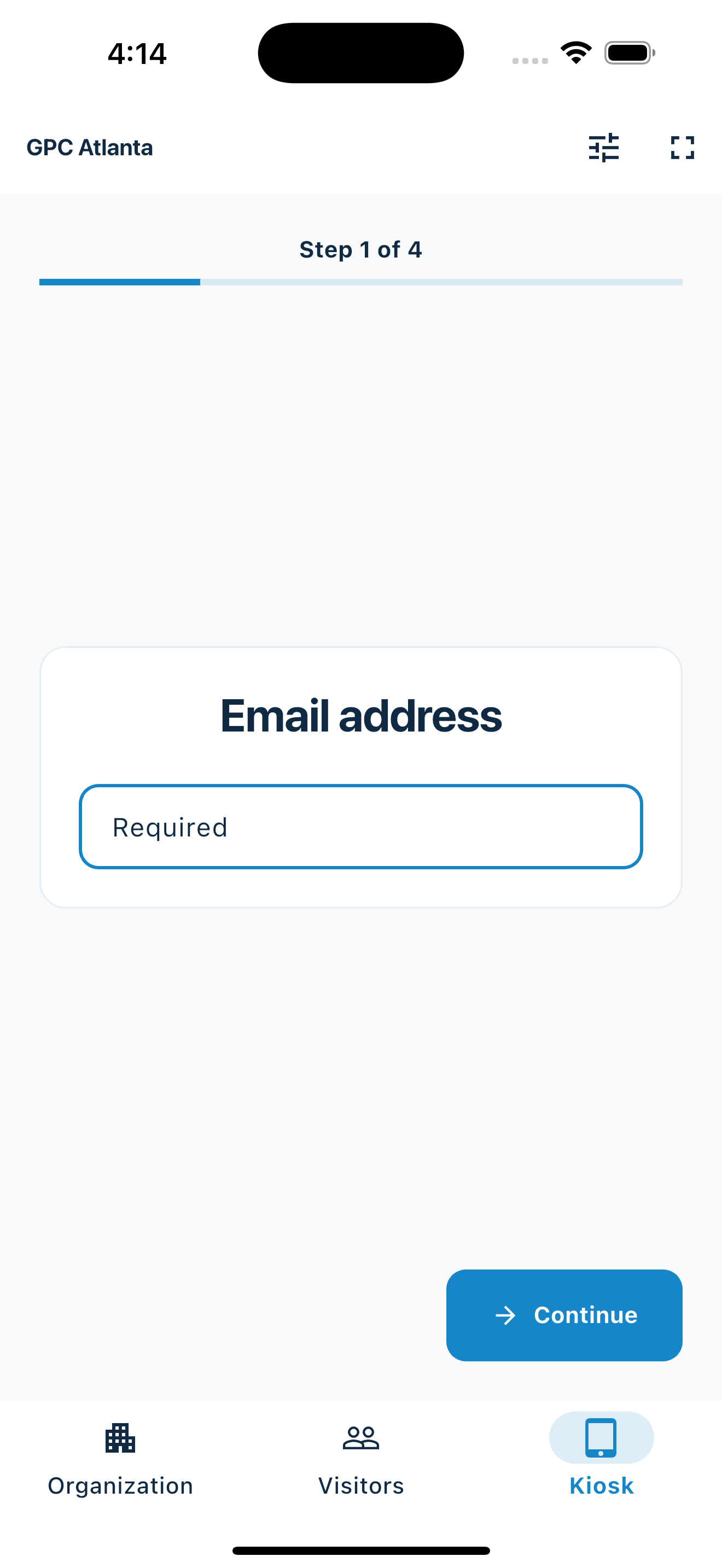
Flexible reception without enterprise complexity
MemberMaker keeps the guest experience consistent while letting a small team change what it collects for different arrivals.
A client, interview candidate, vendor, and delivery driver may need different questions. Reusable prompt groups let the office switch workflows without rebuilding them.
Handwritten names, companies, and contact details create a transcription job and make returning visitors difficult to recognize.
Many teams want a professional arrival record without badges, access-control hardware, employee directories, or a large workplace rollout.
Your web dashboard and kiosk app
Create your organization, build and publish kiosk questions, choose required fields, and configure identification and optional checkout. Apply a published question group to your organization’s kiosks from the dashboard.
Create a web accountInstall MemberMaker on your iPad or Android tablet, sign in to the same account, and select your organization. Open fullscreen mode so visitors can check in at your table or entrance.


Keep the dashboard open to see arrivals and departures update automatically. Review visitor history, answers, and checkout status, then export records when you need them.

Customizable visitor sign-in kiosk
Create reusable prompt groups for different entrances, events, programs, or visitor types. Add custom questions, choose required fields and answer types, then apply the published form to this device or every kiosk in the organization.



Keep a front-desk form, event questionnaire, volunteer flow, or check-in-only experience ready to use.
Mix text, Yes or No, single choice, multiple choice, number, and date questions in the same group.
Change only the device in your hand or apply one published experience throughout the organization.
Published forms download to the device so visitor sign-in can continue without a connection.
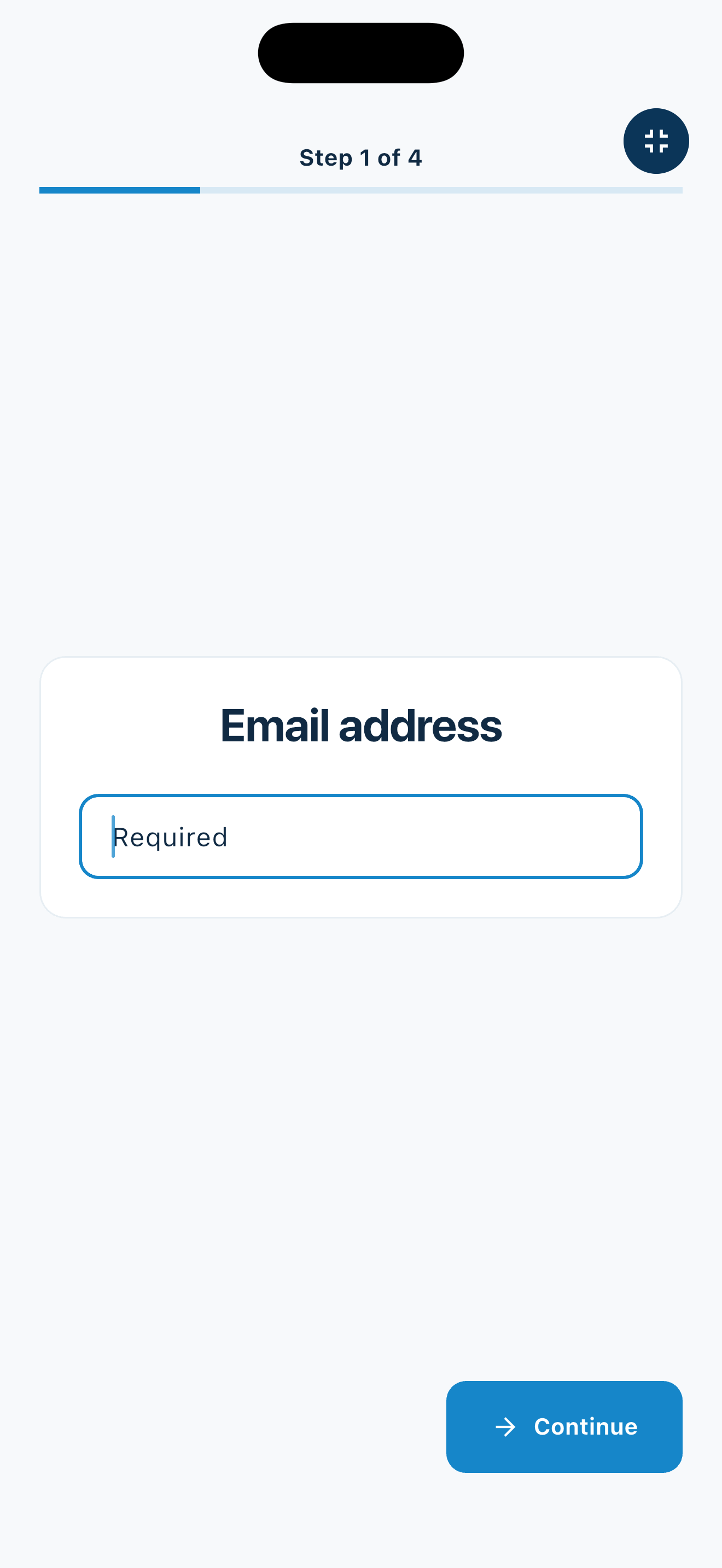
A reusable office workflow
Prepare each prompt group once, then choose the experience that belongs at the reception desk today.
Everyday office arrivals
Keep questions practical and collect only the information the office will actually use.
Ask for company, meeting purpose, person or department, and a simple follow-up preference.
Collect the candidate's contact details, interview area, or recruiting contact without turning check-in into an application form.
Record company, reason for visiting, and the office contact responsible for the visit.
Use a short arrival flow for scheduled service providers or deliveries that need a readable record.
An honest fit check
MemberMaker fits staffed or closely monitored reception areas where contact capture is the goal.
Common questions
Yes. Add a short-text prompt for the employee, team, or department. MemberMaker records that answer but does not notify the person automatically, so nearby staff still need to monitor arrivals.
Yes. Create and publish a reusable prompt group for each visitor workflow, then choose the active experience for one kiosk or every organization kiosk.
Published prompt groups download to the kiosk, and complete submissions can be stored locally and synchronized after connectivity returns. Form editing and publishing require a connection.
No. Optional checkout can show open visitor visits for operational awareness, but MemberMaker does not verify identity, issue access credentials, print badges, or provide safety-certified occupancy and emergency accountability.
Start in your browser
Create a web account to manage your organization. When you’re ready for guests, install the kiosk app on your iPad or Android tablet.
Set up your questions and kiosk settings in the web dashboard. See live sign-ins here once your kiosk is running.
Create a web accountReady to set up your kiosk? Download the app and sign in to the same account.