Recognize returning attendees
Find existing visitors by the selected email or phone identifier. Reuse valid saved details and ask for anything that’s missing.
Virtual events · Remote attendance
Bring a simple sign-in to your online gathering. Email a check-in link or drop it into the meeting chat, and let attendees record their arrival from wherever they are.
When you join, take a moment to check in using the link below.
Check in to Community Skills Night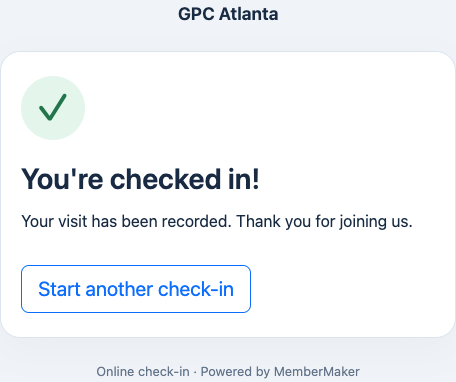
For the gatherings that bring people together online
FROM INVITATION TO ATTENDANCE
Keep hosting in the meeting tool you already use. Give attendees one clear place to check in.
Add the event in your dashboard. Create a check-in link, associate it with the event, and choose the contact fields or questions you need.
One link for this gatheringInclude the link in your event email, paste it into a Zoom, Teams, or Google Meet chat, or pin it in your community channel.
Attendees use their own deviceAttendees identify themselves by email or phone and complete the guided form. Their submitted visit is associated with your event.
An event attached to each visitSEE THE ATTENDEE EXPERIENCE
Real screens from a sample check-in, using fictional visitor details. Fields depend on your link settings; returning attendees can skip details already on file.
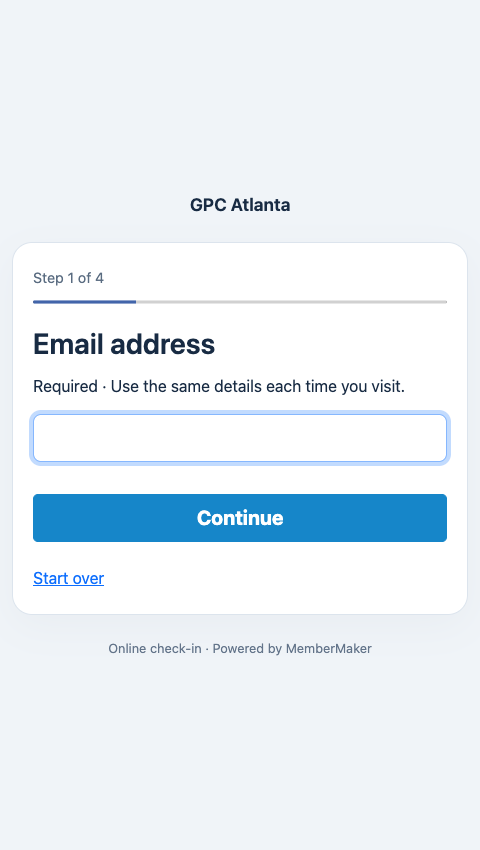
Attendees enter their email address to begin.
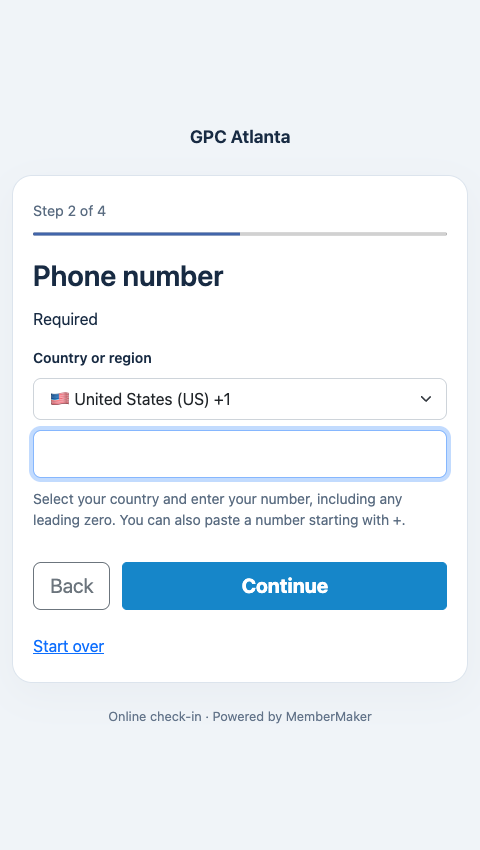
A country selector makes phone entry familiar.
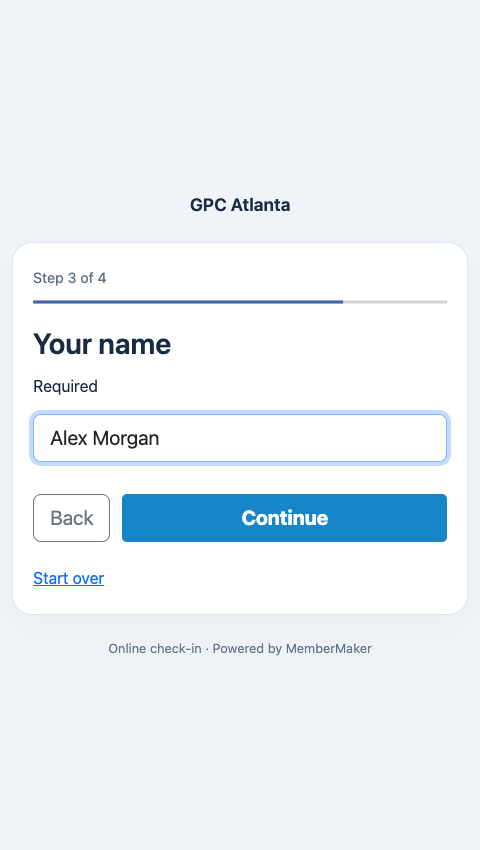
New visitors add their name in a focused step.
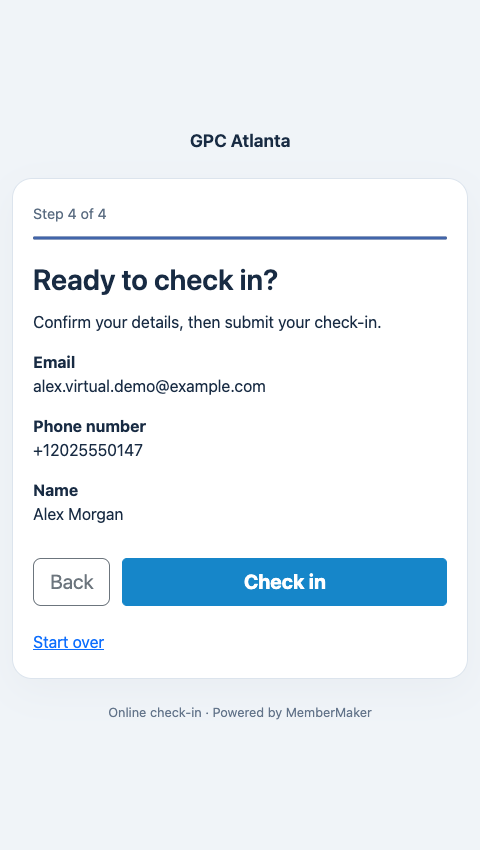
Confirm the details before recording the visit.
Select a screenshot to view it full size.
A FAMILIAR WELCOME
Running a monthly club meeting or a series of online workshops? Returning attendees can use their saved information, while new visitors get a guided introduction.
Set up your virtual check-in →Find existing visitors by the selected email or phone identifier. Reuse valid saved details and ask for anything that’s missing.
Choose a reusable question group. Collect answers each time, or skip completed one-time questions for returning visitors.
Set an optional wait between repeat check-ins. Pause a link when you’re done, or have an admin permanently invalidate it. Existing visits stay recorded.
MAKE IT EASY TO SAY “I’M HERE”
Share the link when you want attendance recorded—often at the start of your live session. You can use this message in an email or meeting chat.
MemberMaker records attendee-submitted check-ins. For time spent in a webinar or proof of course completion, use your meeting platform’s attendance reports alongside your check-in records.
GOOD QUESTIONS
Create an event in MemberMaker, create a check-in link associated with that event, and share it in your invitation email or live meeting chat. Attendees open the link, identify themselves by email or phone, and submit their check-in. Their visit is recorded against the event.
Yes. Paste the check-in link into your meeting chat or invitation. Attendees open MemberMaker in their browser. This is a separate check-in page; MemberMaker does not connect to your meeting platform or automatically import its participant list.
No. Attendees check in through a web browser on a phone, tablet, or computer. Organizers use a MemberMaker account to create events and manage links. An internet connection is required for web check-in.
Yes. MemberMaker looks for their existing profile using the configured email or phone identifier and reuses valid saved details. Missing details and any required recurring questions still appear. Saved personal details are not displayed just because someone enters an identifier.
You can optionally set a minimum time between check-ins for each visitor on a link, or leave repeats unrestricted. Pause a link to stop accepting check-ins temporarily. Organization admins can permanently invalidate a link while retaining recorded visits.
A check-in records that someone submitted the form. It does not measure time in a meeting, verify participation, or certify course completion. Use your meeting platform’s attendance reports when you need join times, leave times, or viewing duration.
MemberMaker’s virtual links record check-ins. Use your registration or ticketing tool for advance RSVPs, payments, tickets, and capacity management, then share the check-in link when you want attendees to sign in.
YOUR NEXT GATHERING STARTS HERE
Create an event, share its link, and welcome your attendees online.