A roster can slow down the start
Searching names and marking paper attendance creates a line while the instructor is trying to prepare the room.
Workshop and class attendance
MemberMaker replaces the paper roster with guided participant check-in, readable contact details, and repeat visit records for workshops, classes, and small training programs.
Start on time
A self-service attendance point keeps the instructor out of the paperwork and gives the organizer a cleaner record.
Searching names and marking paper attendance creates a line while the instructor is trying to prepare the room.
New participants can enter their own contact details without squeezing another name into a printed list.
Digital entry removes handwriting from the path between attendance and the next workshop invitation.
Your web dashboard and kiosk app
Create your organization, build and publish kiosk questions, choose required fields, and configure identification and optional checkout. Apply a published question group to your organization’s kiosks from the dashboard.
Create a web accountInstall MemberMaker on your iPad or Android tablet, sign in to the same account, and select your organization. Open fullscreen mode so visitors can check in at your table or entrance.


Keep the dashboard open to see arrivals and departures update automatically. Review visitor history, answers, and checkout status, then export records when you need them.

Customizable visitor sign-in kiosk
Create reusable prompt groups for different entrances, events, programs, or visitor types. Add custom questions, choose required fields and answer types, then apply the published form to this device or every kiosk in the organization.



Keep a front-desk form, event questionnaire, volunteer flow, or check-in-only experience ready to use.
Mix text, Yes or No, single choice, multiple choice, number, and date questions in the same group.
Change only the device in your hand or apply one published experience throughout the organization.
Published forms download to the device so visitor sign-in can continue without a connection.
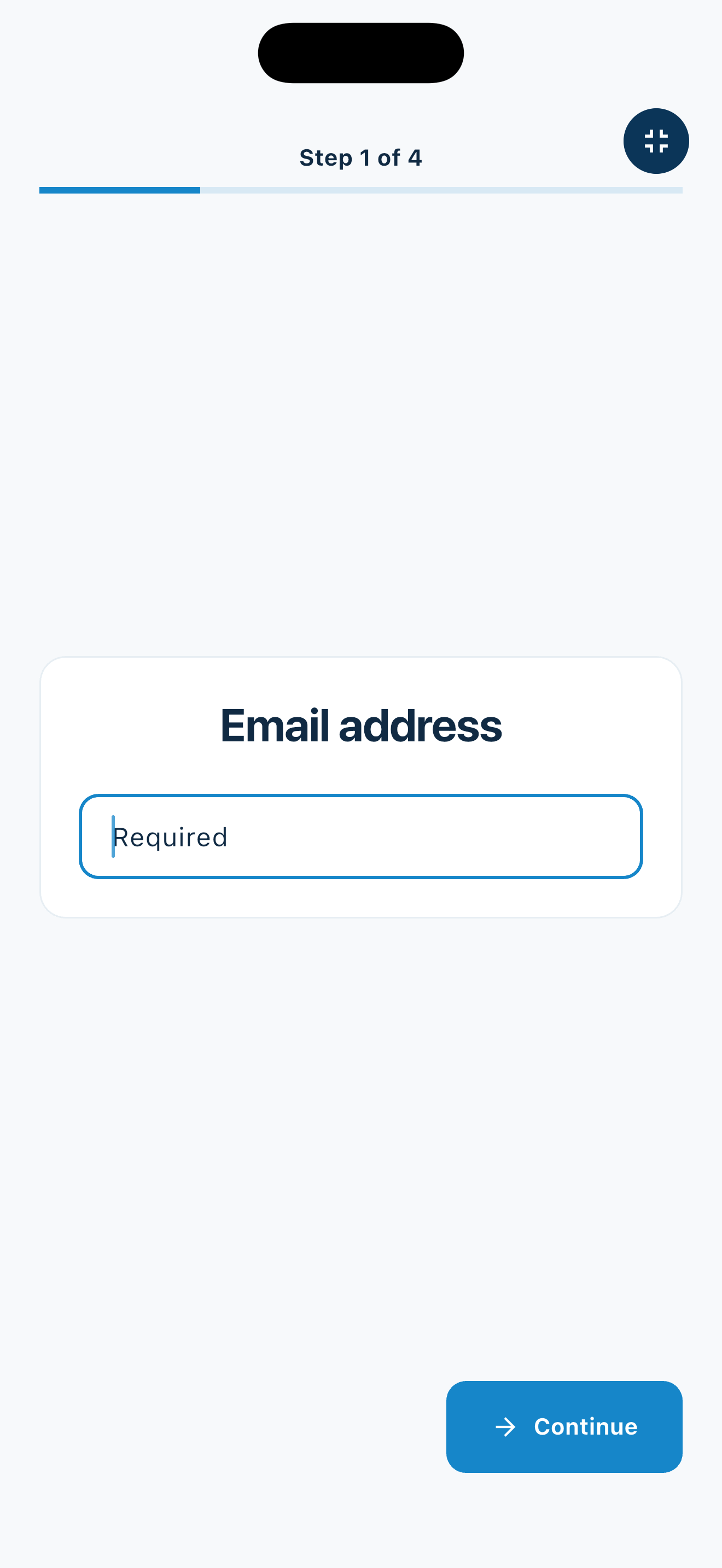
The session-day flow
Everyone follows the same screens, while MemberMaker connects another visit when a participant returns.
Learning in the community
The app fits small educational gatherings that already handle registration and payment elsewhere—or do not need them.
Track participants at recurring arts, technology, financial-literacy, and enrichment classes.
Collect a clean attendee list at small seminars and non-certification training sessions.
Record new and returning volunteers at introductory or refresher sessions.
See who returns across maker groups, hobby classes, and peer-learning meetings.
An honest fit check
MemberMaker complements registration and course tools with a simpler arrival record.
Common questions
Yes. Participant records can accumulate visits over time, helping organizers recognize first-time and returning attendees.
No. Use registration software for enrollment, capacity, payments, and reminders. MemberMaker focuses on the arrival record and contact list.
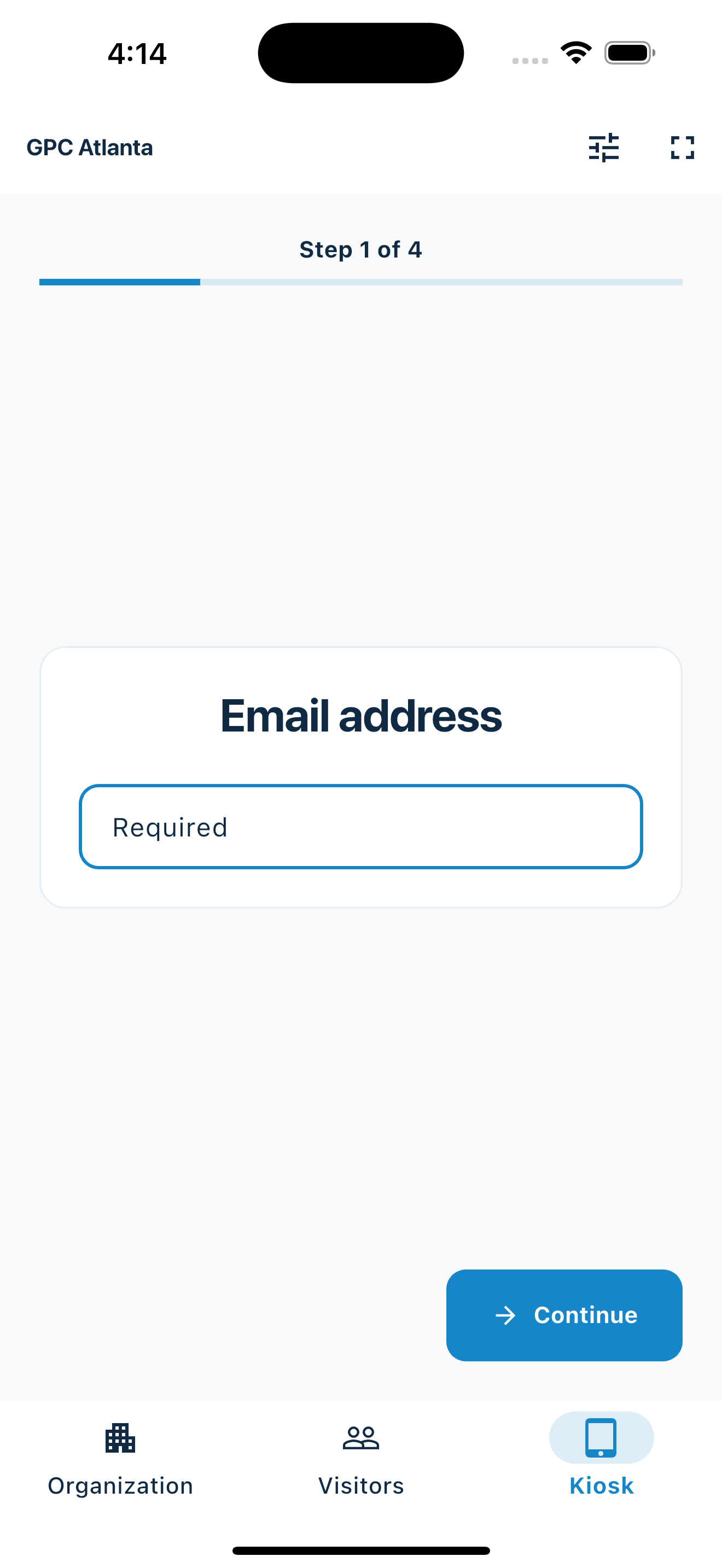
Yes. Put a phone or tablet at the entrance and let attendees move through the selected identity fields and workshop questions one clear step at a time.
You can export participant contact details to CSV for use in a spreadsheet or your existing communication workflow.
Start in your browser
Create a web account to manage your organization. When you’re ready for guests, install the kiosk app on your iPad or Android tablet.
Set up your questions and kiosk settings in the web dashboard. See live sign-ins here once your kiosk is running.
Create a web accountReady to set up your kiosk? Download the app and sign in to the same account.One event, one attendance record
Create a separate event for each session you want to review independently.
Step 1
Give the session a recognizable name. Add an optional date, time, and description. Dates are informational: they do not automatically activate or expire a session.
Step 2
For in-person attendance, select the active event on each app device. For online attendance, choose the event when creating a web check-in link and share that link with participants.
Step 3
Use the dashboard’s Check-Ins tab and event filter to review the session’s recorded attendance. Export CSV when you need to work with it in a spreadsheet.
Event-specific setup requires Events to be enabled for your organization. Sharing web check-in links also requires online check-in to be enabled. Creating an account does not automatically enable these features.
Explore simple class attendance →