A paper roster loses connection details
Handwriting and skipped fields make it harder to connect attendees after the event or invite them to the next gathering.
Business networking attendance
Give chambers, business meetups, referral groups, and recurring professional gatherings a guided way to capture attendee contacts, organizations, roles, interests, and follow-up preferences.
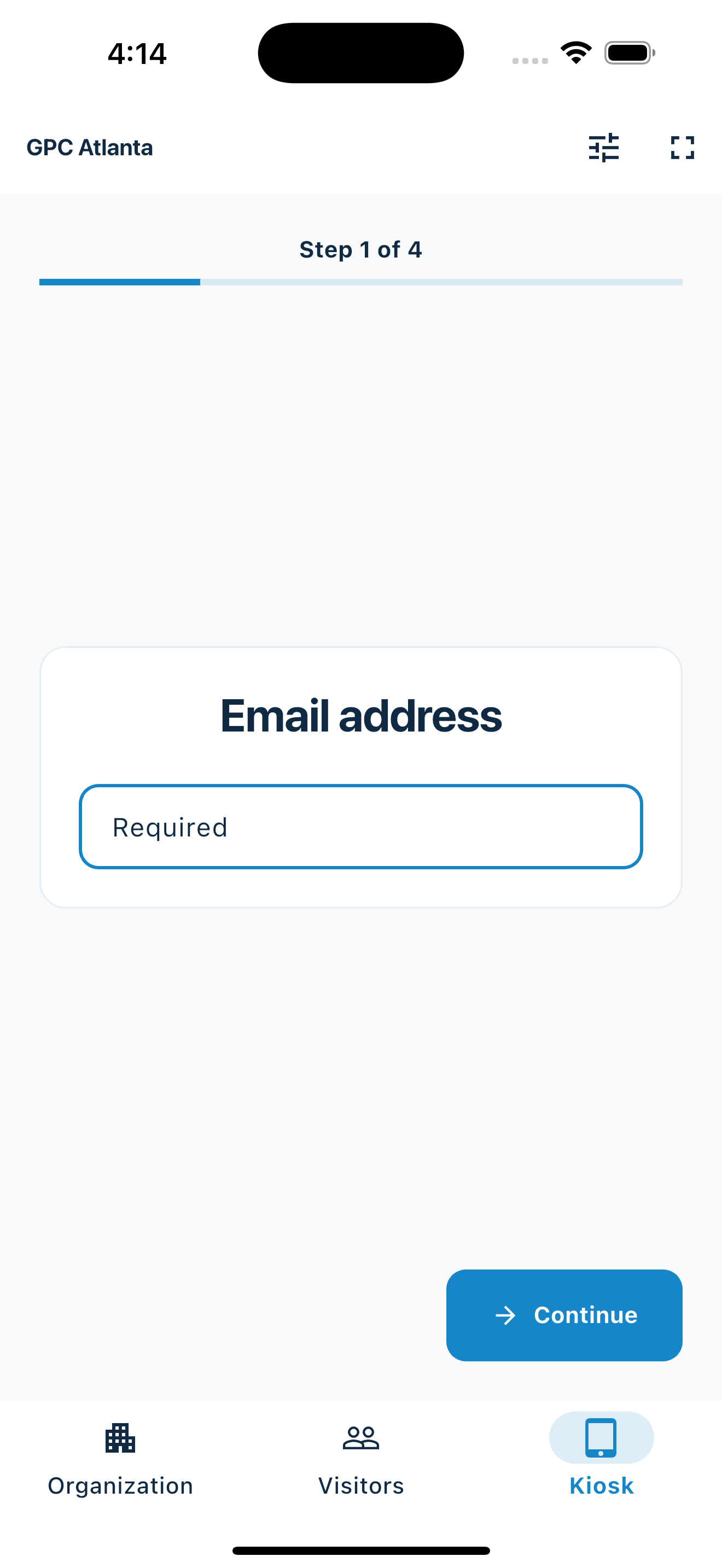
Make recurring events easier to remember
MemberMaker focuses on who arrived and what they chose to share at the door.
Handwriting and skipped fields make it harder to connect attendees after the event or invite them to the next gathering.
An organizer may already handle tickets elsewhere but still need a simple arrival and contact flow at the door.
Keeping visits connected to the same person makes it easier to distinguish newcomers from people who return.
Your web dashboard and kiosk app
Create your organization, build and publish kiosk questions, choose required fields, and configure identification and optional checkout. Apply a published question group to your organization’s kiosks from the dashboard.
Create a web accountInstall MemberMaker on your iPad or Android tablet, sign in to the same account, and select your organization. Open fullscreen mode so visitors can check in at your table or entrance.


Keep the dashboard open to see arrivals and departures update automatically. Review visitor history, answers, and checkout status, then export records when you need them.

Customizable visitor sign-in kiosk
Create reusable prompt groups for different entrances, events, programs, or visitor types. Add custom questions, choose required fields and answer types, then apply the published form to this device or every kiosk in the organization.



Keep a front-desk form, event questionnaire, volunteer flow, or check-in-only experience ready to use.
Mix text, Yes or No, single choice, multiple choice, number, and date questions in the same group.
Change only the device in your hand or apply one published experience throughout the organization.
Published forms download to the device so visitor sign-in can continue without a connection.
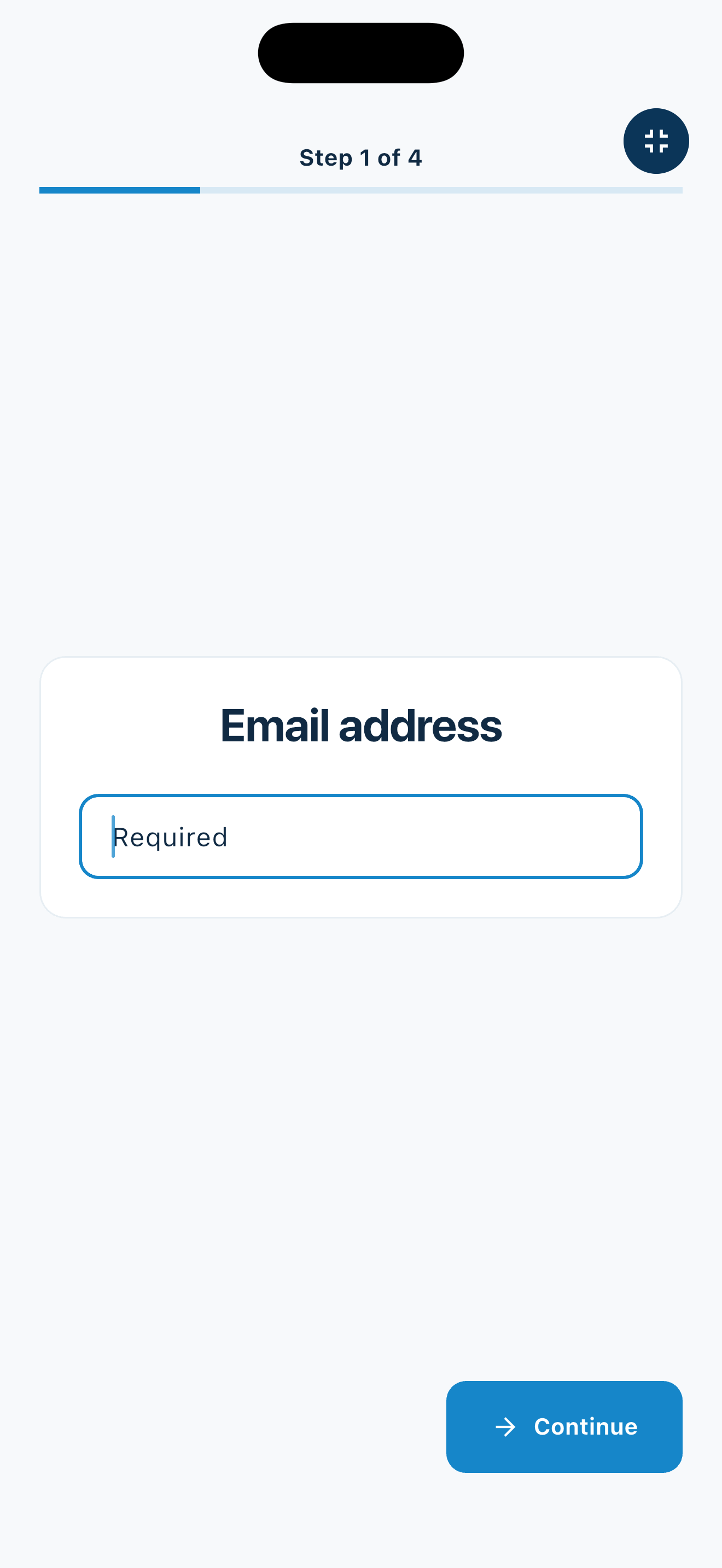
A repeatable welcome
Reuse the same prompt group for a recurring series or switch forms when the event format changes.
Networking formats
Collect only the details the organizer has a clear and approved reason to use.
Record members, prospects, guests, organizations, and broad areas of business interest.
Ask for industry, role, chapter, or the kind of connections an attendee hopes to make.
Create a clean guest list for recurring talks, roundtables, and informal gatherings.
Use a portable phone or tablet station at venues without installing event infrastructure.
An honest fit check
MemberMaker complements an existing registration process; it does not replace it.
Common questions
Yes. Visitors are identified by the selected phone or email field, allowing completed visits to remain connected to a returning attendee.
Yes. Build a prompt group with custom role, organization, industry, interest, referral, and follow-up questions using the supported answer types.
No. Use your existing registration and payment platform for tickets. MemberMaker provides a guided arrival, contact, and attendance record.
Yes. Keep separate published prompt groups for breakfasts, mixers, referral meetings, recruiting events, or other formats and switch the active kiosk experience as needed.
Start in your browser
Create a web account to manage your organization. When you’re ready for guests, install the kiosk app on your iPad or Android tablet.
Set up your questions and kiosk settings in the web dashboard. See live sign-ins here once your kiosk is running.
Create a web accountReady to set up your kiosk? Download the app and sign in to the same account.