A badge scan may not explain interest
A reusable booth form can ask which product, service, session, or follow-up path matters to each visitor.
Exhibition booth lead capture
Turn an iPhone, iPad, or supported Android device into a guided booth form with your own qualification questions. Collect complete visitor records offline, synchronize later, and export a clean CSV after the show.
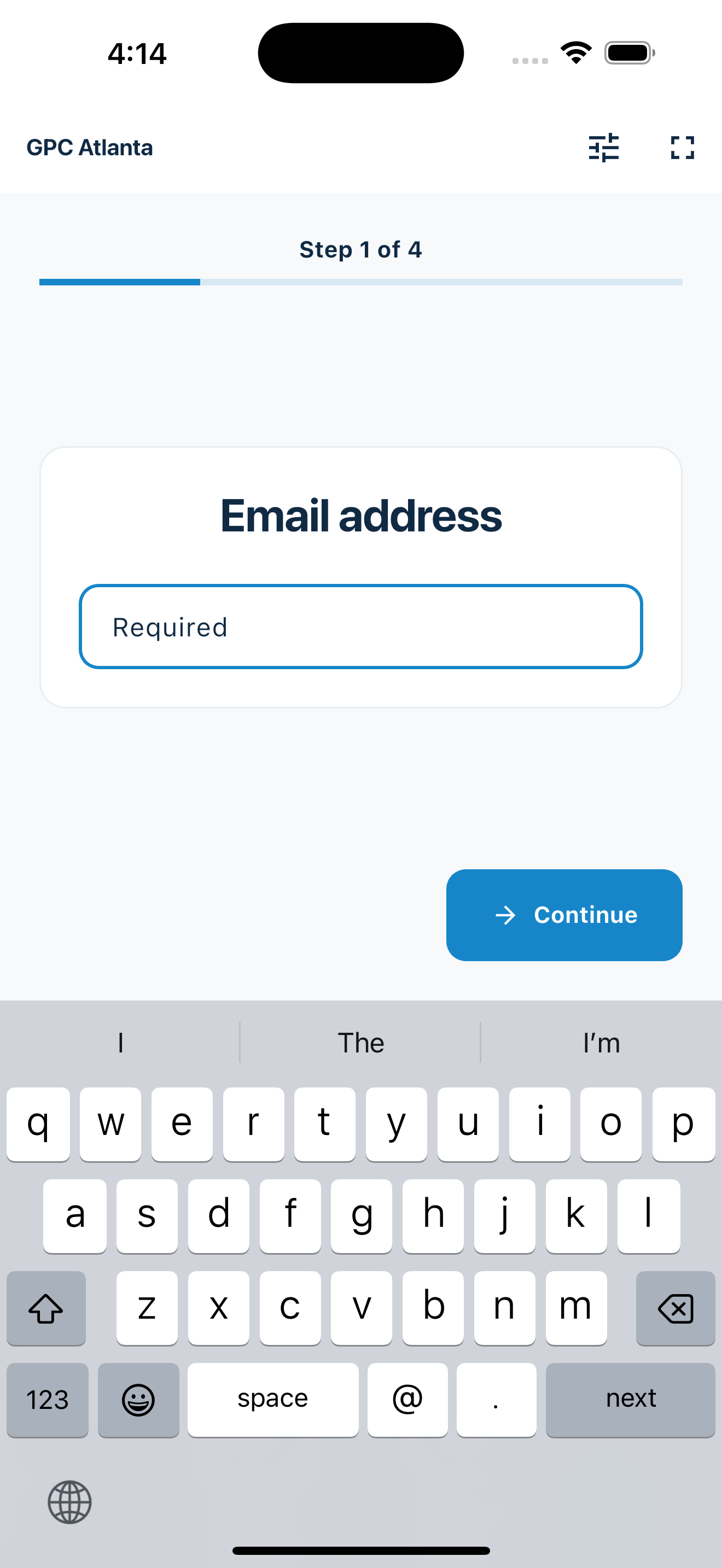
A focused booth workflow
MemberMaker helps exhibitors create consistent contact and interest records without claiming to replace event registration or a sales platform.
A reusable booth form can ask which product, service, session, or follow-up path matters to each visitor.
Published prompt groups and complete submissions can remain available on the kiosk while the connection is unavailable.
Required fields, answer choices, and visitor review create a more consistent list than cards, handwriting, and scattered notes.
Your web dashboard and kiosk app
Create your organization, build and publish kiosk questions, choose required fields, and configure identification and optional checkout. Apply a published question group to your organization’s kiosks from the dashboard.
Create a web accountInstall MemberMaker on your iPad or Android tablet, sign in to the same account, and select your organization. Open fullscreen mode so visitors can check in at your table or entrance.


Keep the dashboard open to see arrivals and departures update automatically. Review visitor history, answers, and checkout status, then export records when you need them.

Customizable visitor sign-in kiosk
Create reusable prompt groups for different entrances, events, programs, or visitor types. Add custom questions, choose required fields and answer types, then apply the published form to this device or every kiosk in the organization.



Keep a front-desk form, event questionnaire, volunteer flow, or check-in-only experience ready to use.
Mix text, Yes or No, single choice, multiple choice, number, and date questions in the same group.
Change only the device in your hand or apply one published experience throughout the organization.
Published forms download to the device so visitor sign-in can continue without a connection.
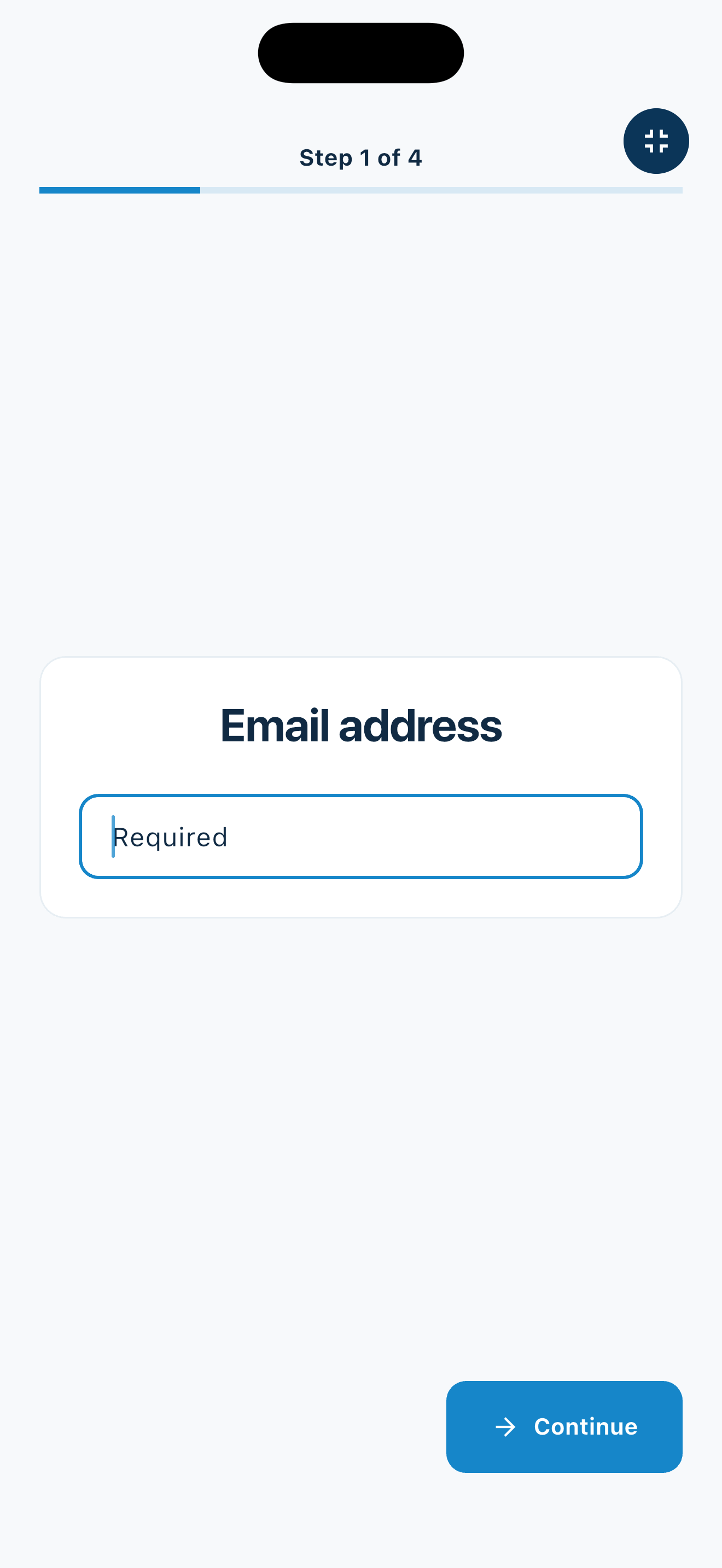
Before, during, and after the show
A published prompt group stays ready on the device while the booth team focuses on conversations.
Portable lead capture
Duplicate or revise the workflow as the audience, offer, or event changes.
Record the product category or use case that brought each booth visitor into the conversation.
Build a clean contact list at a sponsor table or exhibitor booth without managing event admission.
Collect general roles, interests, and contact preferences without replacing an applicant-tracking system.
Use an accessible kiosk for visitors with different levels of comfort using technology.
An honest fit check
Use MemberMaker to collect visitor-entered contacts and answers at your booth, not to operate the conference.
Common questions
No. Visitors enter their details through a guided kiosk flow. MemberMaker does not scan badges, QR codes, barcodes, or business cards.
Yes. Published prompt groups download to the device, and complete submissions can be stored locally until connectivity returns. Form editing and publishing remain online tasks.
Yes. Ask about role, organization, product interest, timing, use case, referral source, or follow-up preference using seven supported answer types.
No. MemberMaker captures contacts and answers at your booth. It does not register attendees, validate tickets, control admission, print badges, schedule sessions, or process payments.
Start in your browser
Create a web account to manage your organization. When you’re ready for guests, install the kiosk app on your iPad or Android tablet.
Set up your questions and kiosk settings in the web dashboard. See live sign-ins here once your kiosk is running.
Create a web accountReady to set up your kiosk? Download the app and sign in to the same account.