A paper guest book loses buying context
A name and phone number alone may not tell the sales team which display, product category, or project brought the visitor in.
Showroom lead capture
Use a phone or tablet to collect contact details, interests, project timing, referral source, and follow-up preferences at design centers, model-home sales offices, equipment showrooms, galleries, and retail previews.
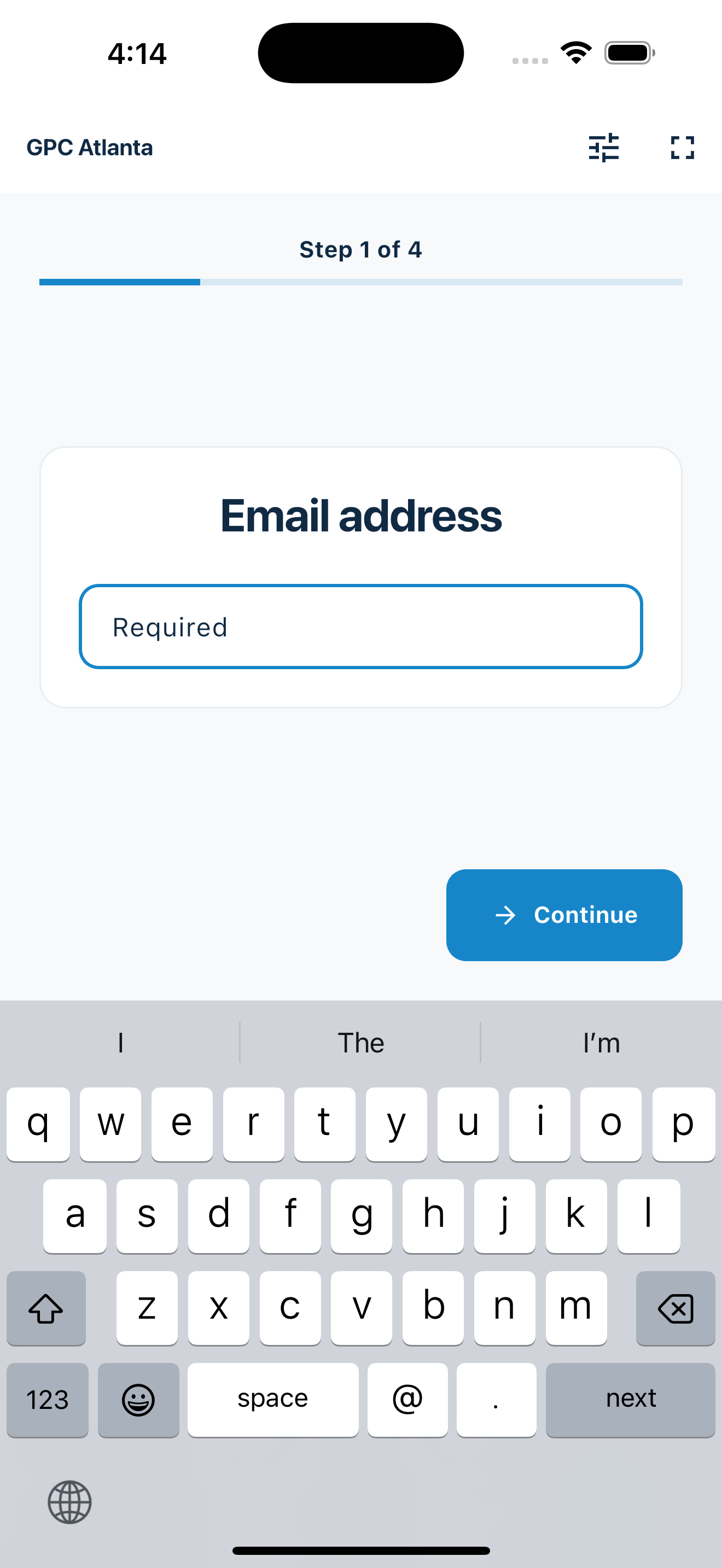
Capture more than a name
Custom prompts add structure to showroom lead capture without turning MemberMaker into a CRM.
A name and phone number alone may not tell the sales team which display, product category, or project brought the visitor in.
One focused question per screen keeps the arrival process understandable without presenting a crowded lead form at the door.
Required fields, answer choices, and a final review help produce a cleaner list than open handwriting.
Your web dashboard and kiosk app
Create your organization, build and publish kiosk questions, choose required fields, and configure identification and optional checkout. Apply a published question group to your organization’s kiosks from the dashboard.
Create a web accountInstall MemberMaker on your iPad or Android tablet, sign in to the same account, and select your organization. Open fullscreen mode so visitors can check in at your table or entrance.


Keep the dashboard open to see arrivals and departures update automatically. Review visitor history, answers, and checkout status, then export records when you need them.

Customizable visitor sign-in kiosk
Create reusable prompt groups for different entrances, events, programs, or visitor types. Add custom questions, choose required fields and answer types, then apply the published form to this device or every kiosk in the organization.



Keep a front-desk form, event questionnaire, volunteer flow, or check-in-only experience ready to use.
Mix text, Yes or No, single choice, multiple choice, number, and date questions in the same group.
Change only the device in your hand or apply one published experience throughout the organization.
Published forms download to the device so visitor sign-in can continue without a connection.
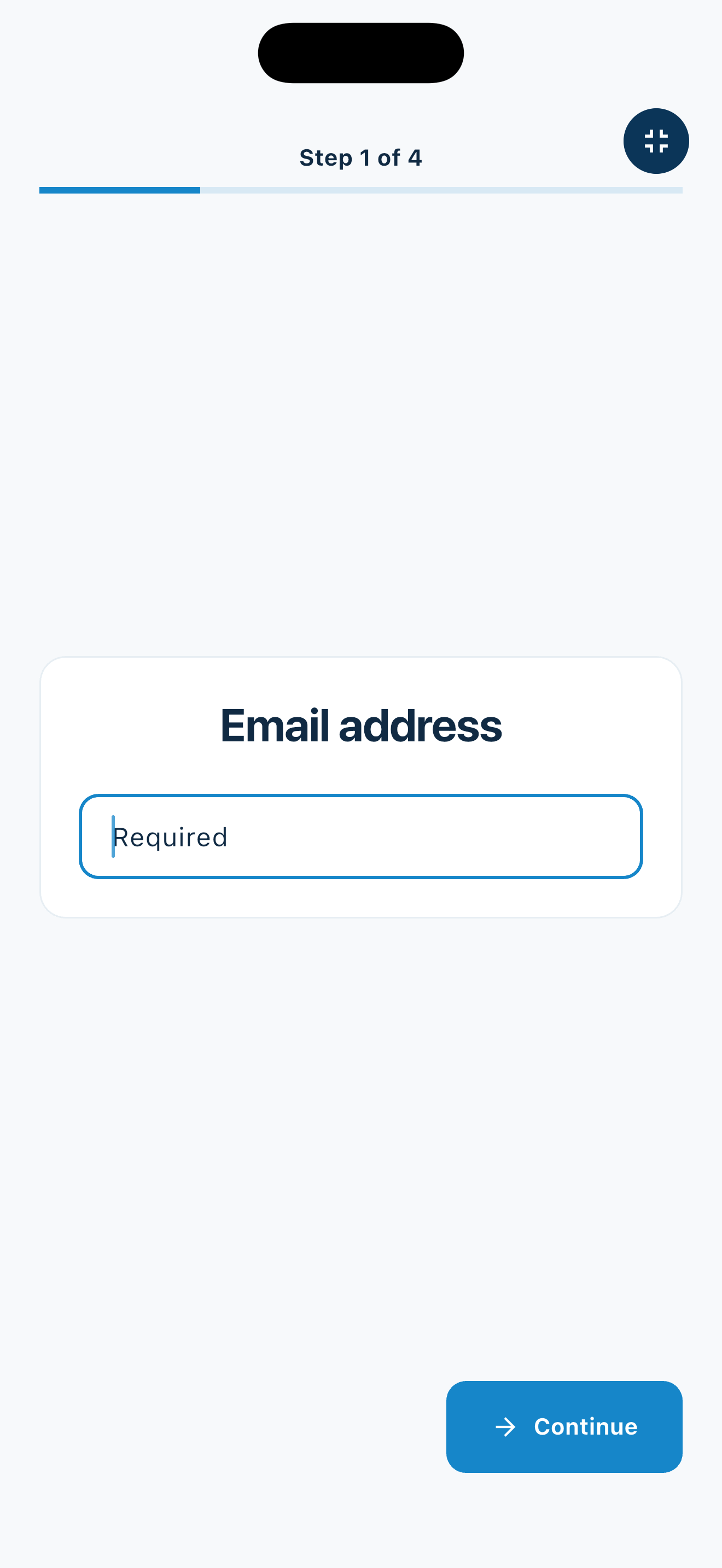
From entrance to export
MemberMaker handles guided capture; your established sales process handles the relationship afterward.
Flexible showroom workflows
Switch prompt groups as the location, featured collection, or event changes.
Ask which rooms, materials, styles, or services the visitor wants to explore.
Collect contact details, general timing, areas of interest, and a follow-up preference without replacing a real estate CRM.
Record product categories, intended use, organization, or the kind of assistance requested.
Create a guest list for exhibitions, launches, preview nights, and other invitation or walk-in events.
An honest fit check
MemberMaker creates a readable visitor and interest record, then lets the team export it.
Common questions
Yes. Add single-choice, multiple-choice, text, number, date, or Yes-or-No prompts for product interests, project timing, referral source, and requested follow-up.
No. Review the visitor records and export contact details to CSV, then import them through the approved process for your existing CRM or spreadsheet.
Yes. Published forms and complete submissions can work offline on the device and synchronize when connectivity returns. Creating, editing, and publishing forms requires a connection.
No. MemberMaker captures visitor details and custom answers. Continue using dedicated scheduling, quoting, inventory, payment, and sales systems for those jobs.
Start in your browser
Create a web account to manage your organization. When you’re ready for guests, install the kiosk app on your iPad or Android tablet.
Set up your questions and kiosk settings in the web dashboard. See live sign-ins here once your kiosk is running.
Create a web accountReady to set up your kiosk? Download the app and sign in to the same account.