Handwriting delays follow-up
A paper sheet can leave an agent, school, business, or community organization guessing at names and contact details afterward.
Open house visitor registration
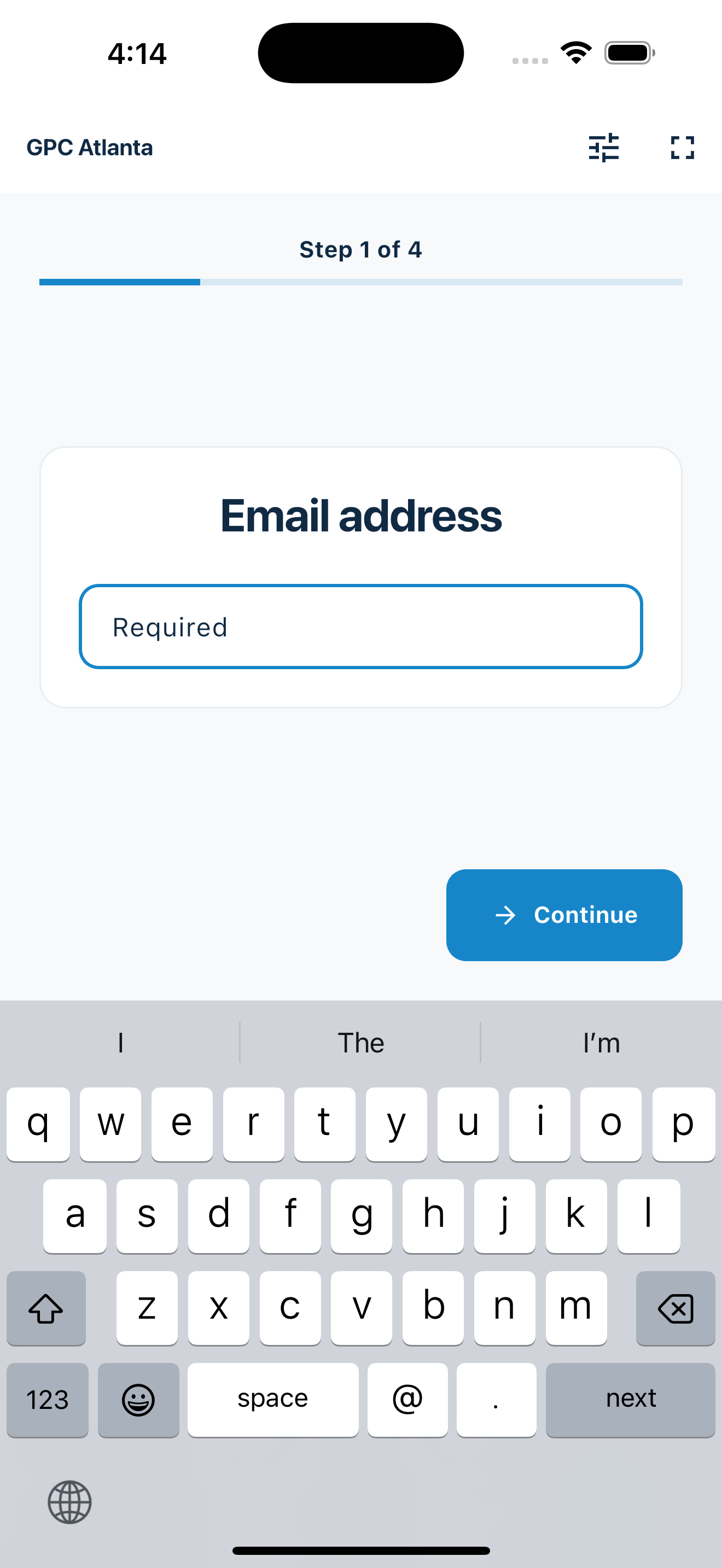
MemberMaker turns a phone or tablet into a portable sign-in point, guiding each visitor through readable contact entry so the guest list is ready when the open house ends.
Replace the paper sheet
The first interaction should feel clear and professional for the visitor while producing a list the host can actually use.
A paper sheet can leave an agent, school, business, or community organization guessing at names and contact details afterward.
A short, guided flow gives visitors a clear task without turning the doorway into a registration desk.
Digital entry creates a usable visitor record immediately instead of another transcription job.
Your web dashboard and kiosk app
Create your organization, build and publish kiosk questions, choose required fields, and configure identification and optional checkout. Apply a published question group to your organization’s kiosks from the dashboard.
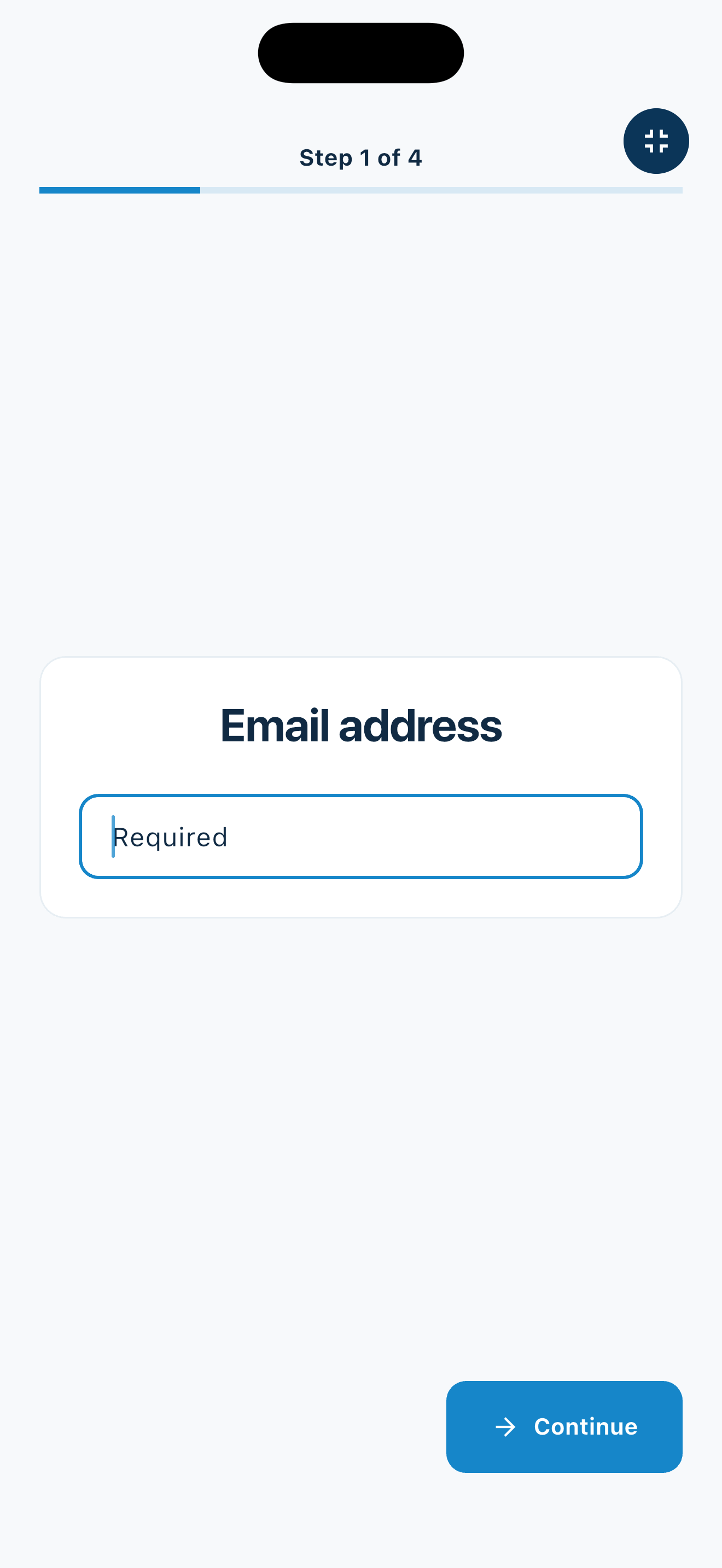
Create a web accountInstall MemberMaker on your iPad or Android tablet, sign in to the same account, and select your organization. Open fullscreen mode so visitors can check in at your table or entrance.


Keep the dashboard open to see arrivals and departures update automatically. Review visitor history, answers, and checkout status, then export records when you need them.

Customizable visitor sign-in kiosk
Create reusable prompt groups for different entrances, events, programs, or visitor types. Add custom questions, choose required fields and answer types, then apply the published form to this device or every kiosk in the organization.



Keep a front-desk form, event questionnaire, volunteer flow, or check-in-only experience ready to use.
Mix text, Yes or No, single choice, multiple choice, number, and date questions in the same group.
Change only the device in your hand or apply one published experience throughout the organization.
Published forms download to the device so visitor sign-in can continue without a connection.
Portable event setup
Move the same device between properties, facilities, studios, and community locations.
More than property tours
Any organization that currently places a clipboard by the door can use the guided station.
Collect basic visitor contact details for later export without relying on a handwritten sheet.
Record prospective families and community members at information nights.
Create a guest list for tours, launch events, and public preview days.
Track visitors at nonprofit, church, club, and neighborhood open houses. Parents can check in first, then select saved children or add them by name for the same event.
An honest fit check
MemberMaker creates the visitor record; specialized marketing platforms handle campaigns and lead automation.
Common questions
Yes, when the goal is simple contact capture and CSV export. MemberMaker does not provide property marketing pages, automatic follow-up, lead scoring, or real estate CRM features.
Yes. MemberMaker works on iPhone, iPad, and supported Android phones and tablets, making the station portable between locations.
No. Export the visitor list and use the communication or CRM system you already trust for follow-up.
Yes. Schools, studios, nonprofits, churches, clubs, and local businesses can use the same guided flow to record open-house visitors.
Start in your browser
Create a web account to manage your organization. When you’re ready for guests, install the kiosk app on your iPad or Android tablet.
Set up your questions and kiosk settings in the web dashboard. See live sign-ins here once your kiosk is running.
Create a web accountReady to set up your kiosk? Download the app and sign in to the same account.