A clipboard looks temporary
Paper can leave guest information exposed, incomplete, difficult to read, and disconnected from later follow-up.
A clearer arrival point
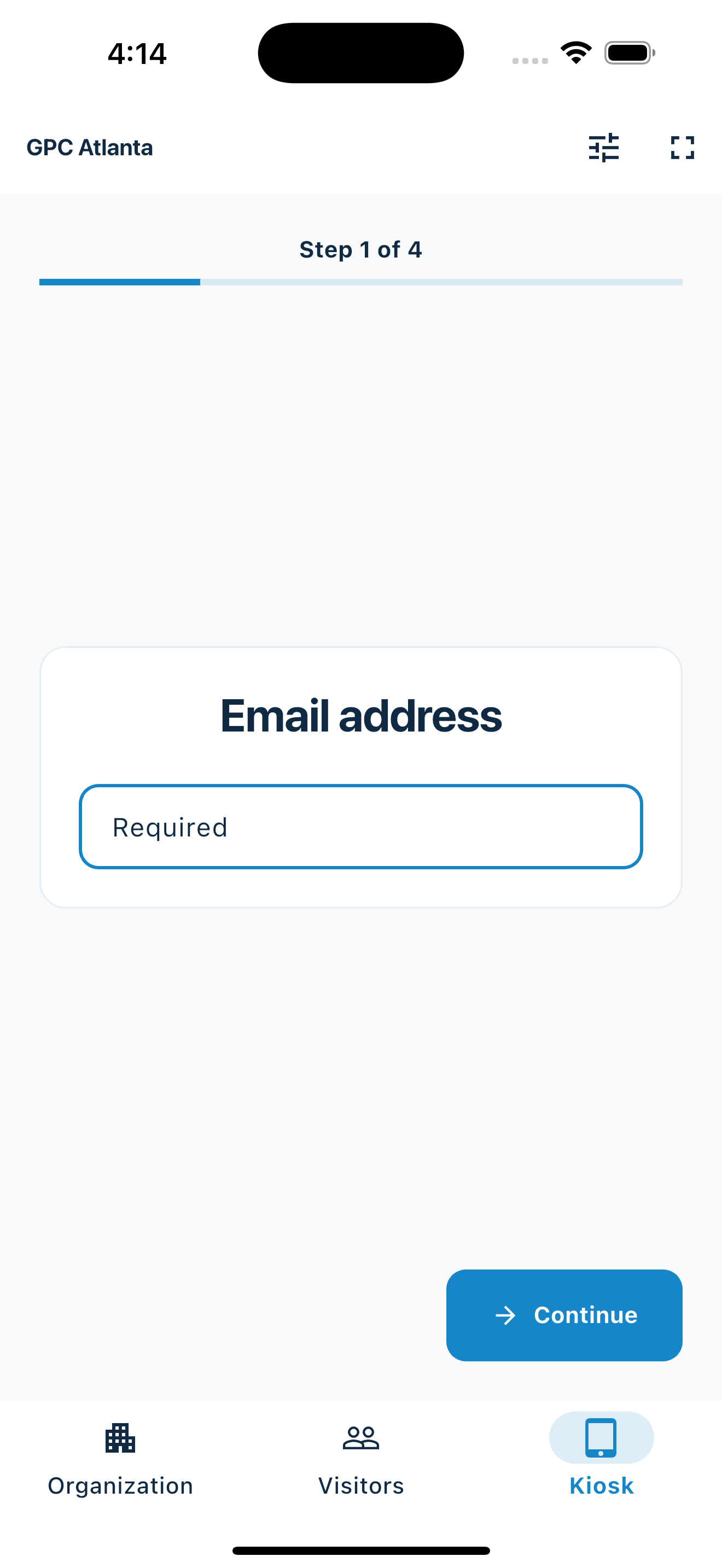
Put MemberMaker on a phone or tablet at reception and give every guest the same calm, step-by-step way to enter their details—without a clipboard or a complicated workplace rollout.
A professional first step
A good front-desk process reduces uncertainty for the guest and cleanup for the team.
Paper can leave guest information exposed, incomplete, difficult to read, and disconnected from later follow-up.
Visitors should immediately understand where to begin and what to do next without searching through an app.
Digital contact capture gives the team a usable record from the moment the guest submits it.
Your web dashboard and kiosk app
Create your organization, build and publish kiosk questions, choose required fields, and configure identification and optional checkout. Apply a published question group to your organization’s kiosks from the dashboard.
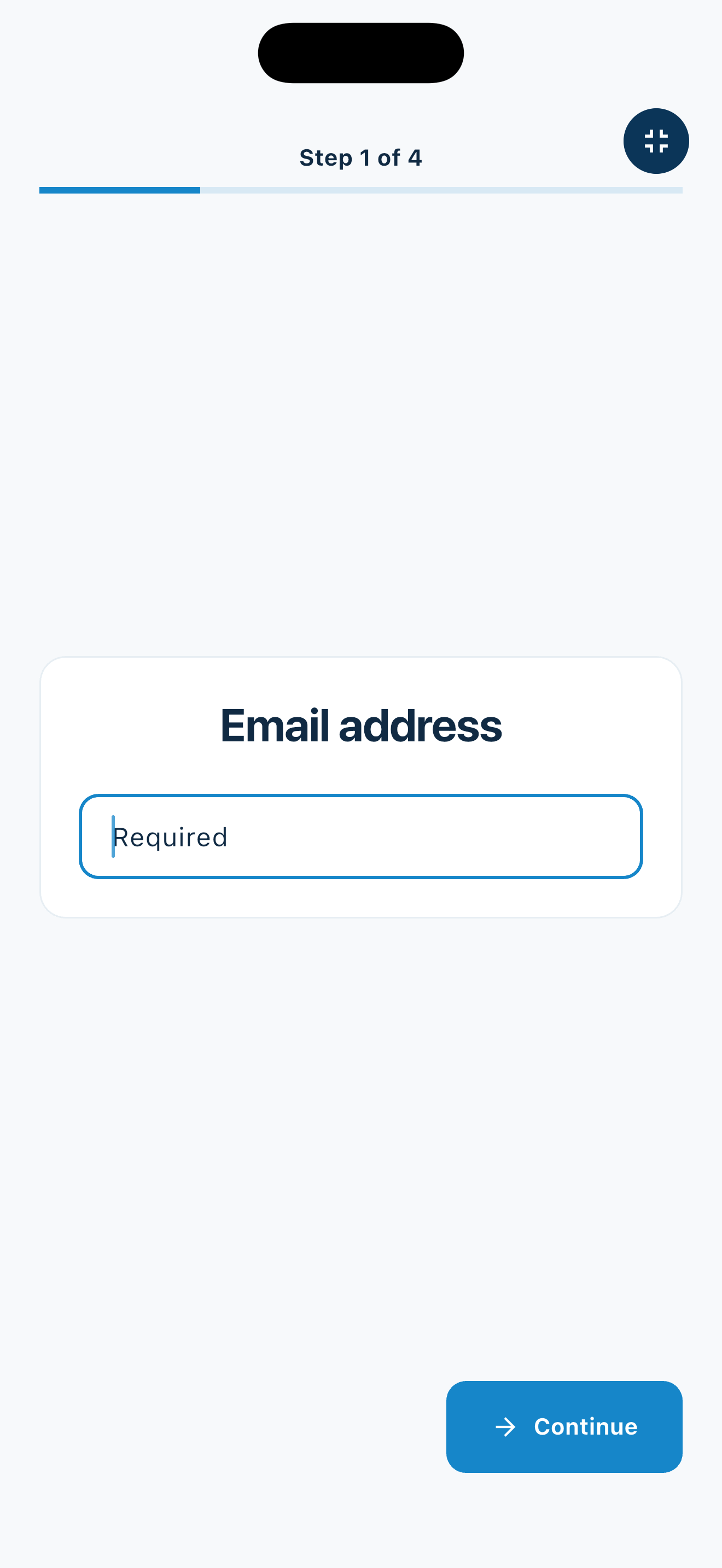
Create a web accountInstall MemberMaker on your iPad or Android tablet, sign in to the same account, and select your organization. Open fullscreen mode so visitors can check in at your table or entrance.


Keep the dashboard open to see arrivals and departures update automatically. Review visitor history, answers, and checkout status, then export records when you need them.

Customizable visitor sign-in kiosk
Create reusable prompt groups for different entrances, events, programs, or visitor types. Add custom questions, choose required fields and answer types, then apply the published form to this device or every kiosk in the organization.



Keep a front-desk form, event questionnaire, volunteer flow, or check-in-only experience ready to use.
Mix text, Yes or No, single choice, multiple choice, number, and date questions in the same group.
Change only the device in your hand or apply one published experience throughout the organization.
Published forms download to the device so visitor sign-in can continue without a connection.
Set up once
MemberMaker keeps the device focused on check-in while your team keeps ownership of welcoming and assisting guests.
Flexible reception
The same portable setup can support permanent reception desks and temporary welcome points.
Give arrivals an obvious first step while a team member is nearby or working elsewhere.
Collect guest contact details before a meeting or scheduled service.
Maintain a simple record of guests and people who return.
Use a portable device at open houses, pop-ups, workshops, and off-site meetings.
An honest fit check
MemberMaker is a front-desk sign-in tool, not an access-control system.
Common questions
It can provide a clear self-service contact and visit-recording flow. It does not notify hosts or control access, so it should not be treated as an unattended security system.
Use an iPhone, iPad, or supported Android phone or tablet. A tablet stand can make the check-in point more obvious.
MemberMaker presents the contact fields and custom prompts your organization selected in order, with one clear action on each screen.
Yes. Visitor contact details can be exported to CSV for a spreadsheet or the follow-up workflow your organization already uses.
Start in your browser
Create a web account to manage your organization. When you’re ready for guests, install the kiosk app on your iPad or Android tablet.
Set up your questions and kiosk settings in the web dashboard. See live sign-ins here once your kiosk is running.
Create a web accountReady to set up your kiosk? Download the app and sign in to the same account.