Paper creates work later
Handwritten names and contact details still have to be deciphered, typed, and organized after every visit.
Small-business visitor check-in
MemberMaker gives small teams a guided way to collect guest details, remember repeat visits, and export a clean list—without turning the front door into an enterprise software project.
Why small teams switch
The right visitor system should solve the work you actually have, not introduce a new layer of administration.
Handwritten names and contact details still have to be deciphered, typed, and organized after every visit.
Small teams may not need badges, access-control integrations, screening, or a multi-location security rollout.
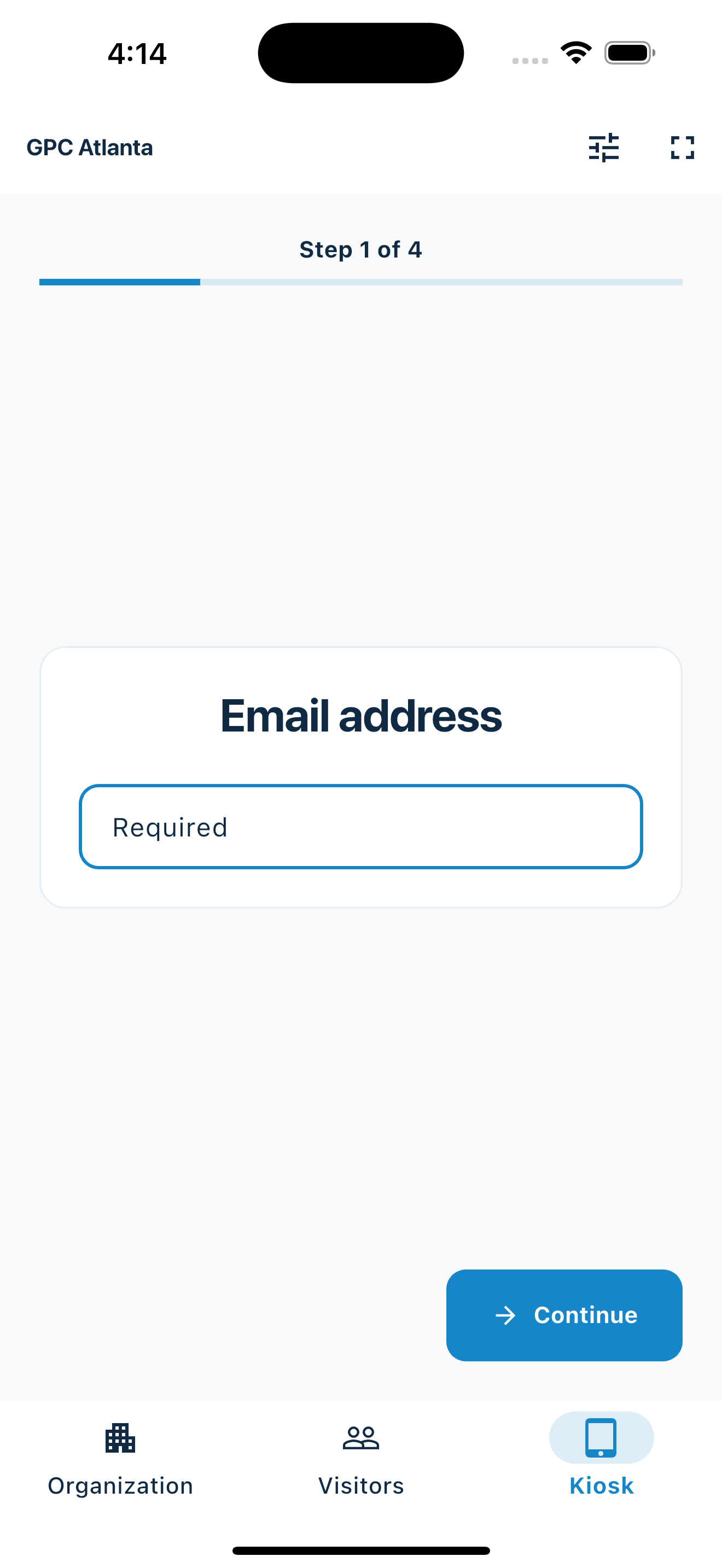
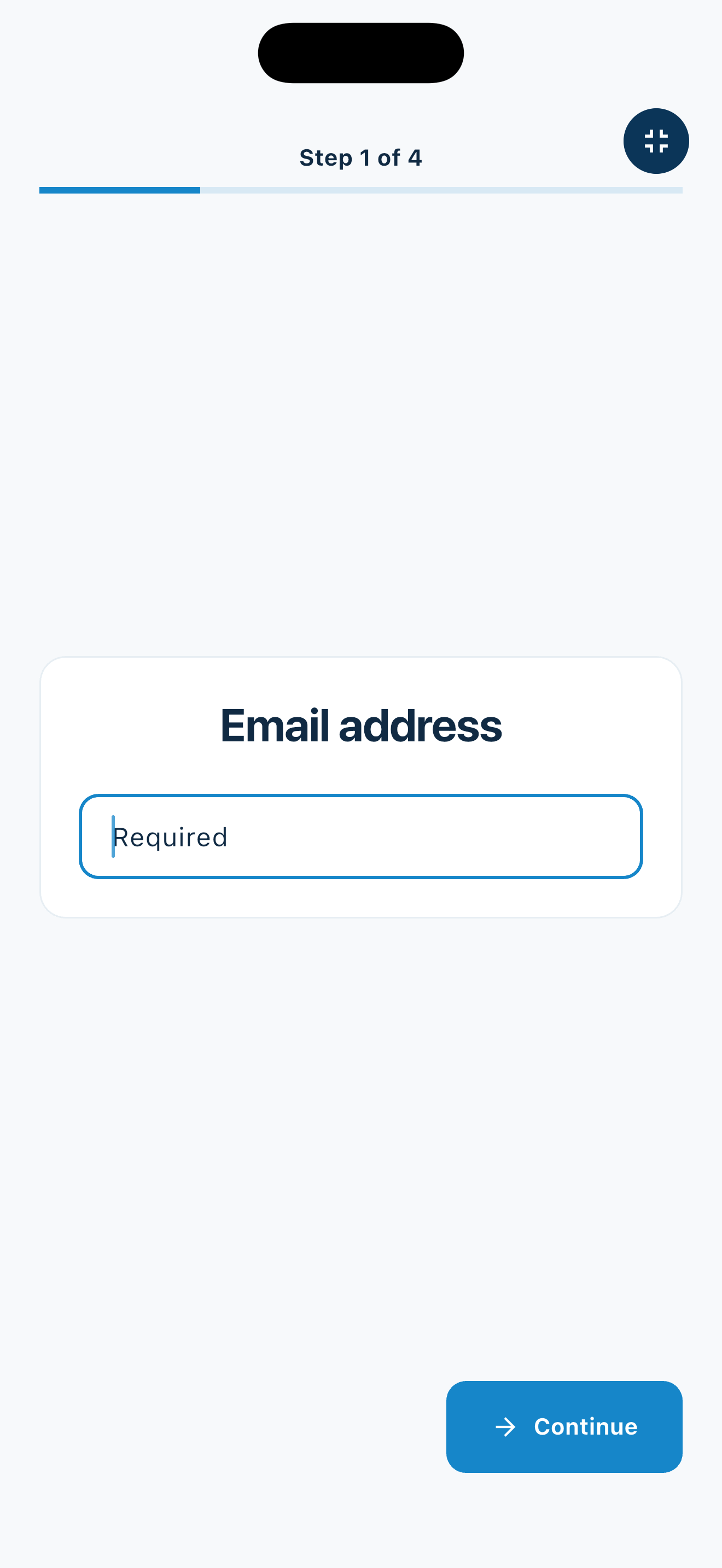
One question per screen keeps the arrival process understandable for visitors with different levels of technical confidence.
Your web dashboard and kiosk app
Create your organization, build and publish kiosk questions, choose required fields, and configure identification and optional checkout. Apply a published question group to your organization’s kiosks from the dashboard.
Create a web accountInstall MemberMaker on your iPad or Android tablet, sign in to the same account, and select your organization. Open fullscreen mode so visitors can check in at your table or entrance.


Keep the dashboard open to see arrivals and departures update automatically. Review visitor history, answers, and checkout status, then export records when you need them.

Customizable visitor sign-in kiosk
Create reusable prompt groups for different entrances, events, programs, or visitor types. Add custom questions, choose required fields and answer types, then apply the published form to this device or every kiosk in the organization.



Keep a front-desk form, event questionnaire, volunteer flow, or check-in-only experience ready to use.
Mix text, Yes or No, single choice, multiple choice, number, and date questions in the same group.
Change only the device in your hand or apply one published experience throughout the organization.
Published forms download to the device so visitor sign-in can continue without a connection.
A focused workflow
The same predictable sequence works for first-time guests and people who have visited before.
Practical settings
MemberMaker fits places that need accurate contact and visit records more than workplace security automation.
Collect guest details at a reception desk without introducing a large workplace platform.
Keep a readable record of clients, guests, and recurring visitors.
Replace a clipboard when the goal is straightforward arrival records rather than security screening.
Give visitors a consistent sign-in experience on an existing phone or tablet.
An honest fit check
MemberMaker is intentionally narrower than a full visitor-management suite.
Common questions
It replaces a paper visitor sheet with a digital process for collecting guest details and keeping visit records. MemberMaker focuses on guided check-in, repeat visits, and export.
No. MemberMaker works on iPhone, iPad, and supported Android phones and tablets, so you can start with a device you already own.
Yes. MemberMaker can export names, email addresses, and phone numbers to CSV for use in a spreadsheet or another follow-up workflow.
No. MemberMaker is intentionally focused on contact capture and visit tracking. Choose a full workplace visitor platform if badges, host notifications, screening, or access control are required.
Start in your browser
Create a web account to manage your organization. When you’re ready for guests, install the kiosk app on your iPad or Android tablet.
Set up your questions and kiosk settings in the web dashboard. See live sign-ins here once your kiosk is running.
Create a web accountReady to set up your kiosk? Download the app and sign in to the same account.