Paper guest books are hard to use
Handwriting, skipped fields, and misplaced sheets leave your venue with an incomplete audience list after the event.
Audience sign-in for open mic nights
MemberMaker turns a phone or tablet into a simple sign-in point for audience members at your open mic night—helping your establishment build a readable guest list and recognize the people who return.
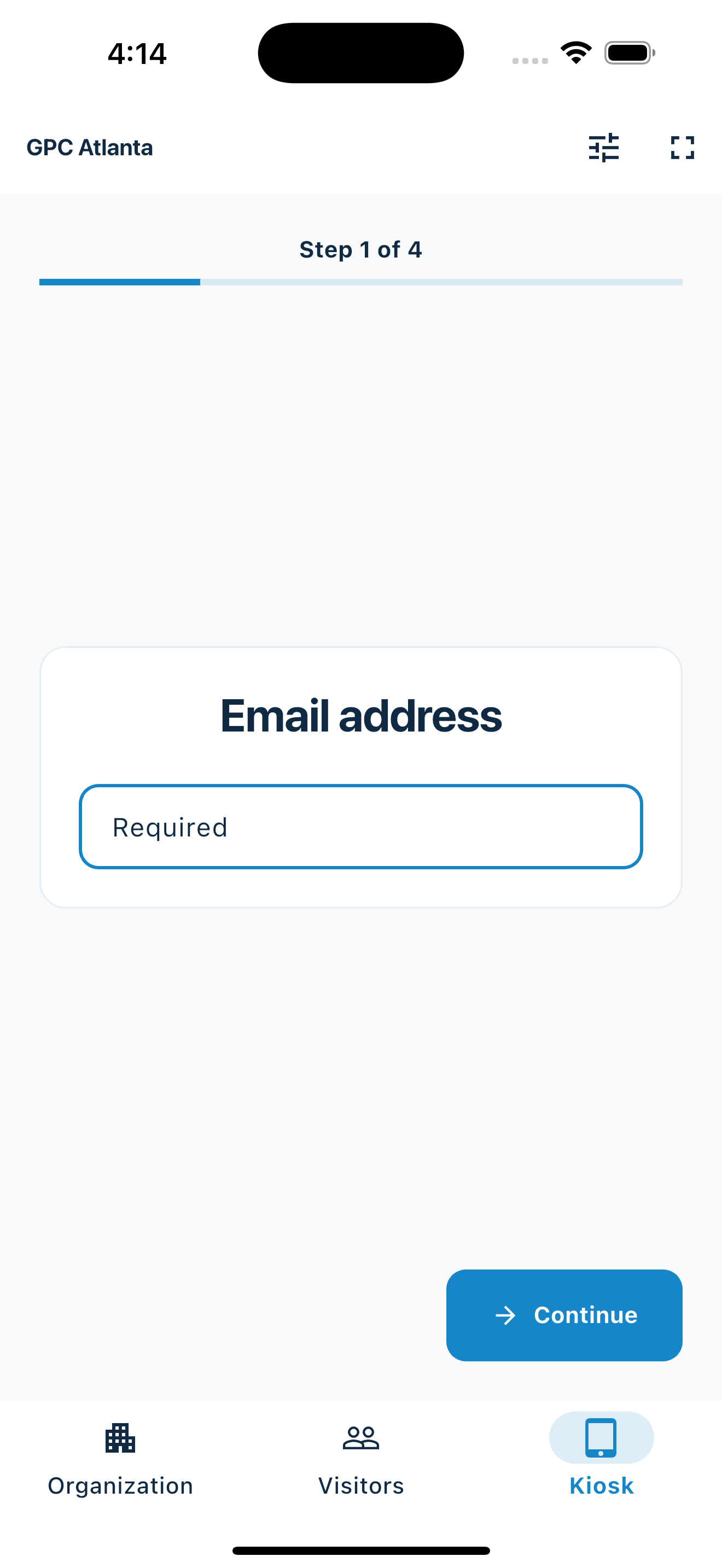
Know who came to the show
MemberMaker is for the customers and community members attending your open mic. It does not manage performer registration, stage order, or set times.
Handwriting, skipped fields, and misplaced sheets leave your venue with an incomplete audience list after the event.
A guided self-service station lets guests enter their own details while staff focus on service and the host runs the show.
Keep a usable record of open mic guests so you can recognize regulars and promote another night through your approved marketing process.
Your web dashboard and kiosk app
Create your organization, build and publish kiosk questions, choose required fields, and configure identification and optional checkout. Apply a published question group to your organization’s kiosks from the dashboard.
Create a web accountInstall MemberMaker on your iPad or Android tablet, sign in to the same account, and select your organization. Open fullscreen mode so visitors can check in at your table or entrance.


Keep the dashboard open to see arrivals and departures update automatically. Review visitor history, answers, and checkout status, then export records when you need them.

Customizable visitor sign-in kiosk
Create reusable prompt groups for different entrances, events, programs, or visitor types. Add custom questions, choose required fields and answer types, then apply the published form to this device or every kiosk in the organization.



Keep a front-desk form, event questionnaire, volunteer flow, or check-in-only experience ready to use.
Mix text, Yes or No, single choice, multiple choice, number, and date questions in the same group.
Change only the device in your hand or apply one published experience throughout the organization.
Published forms download to the device so visitor sign-in can continue without a connection.
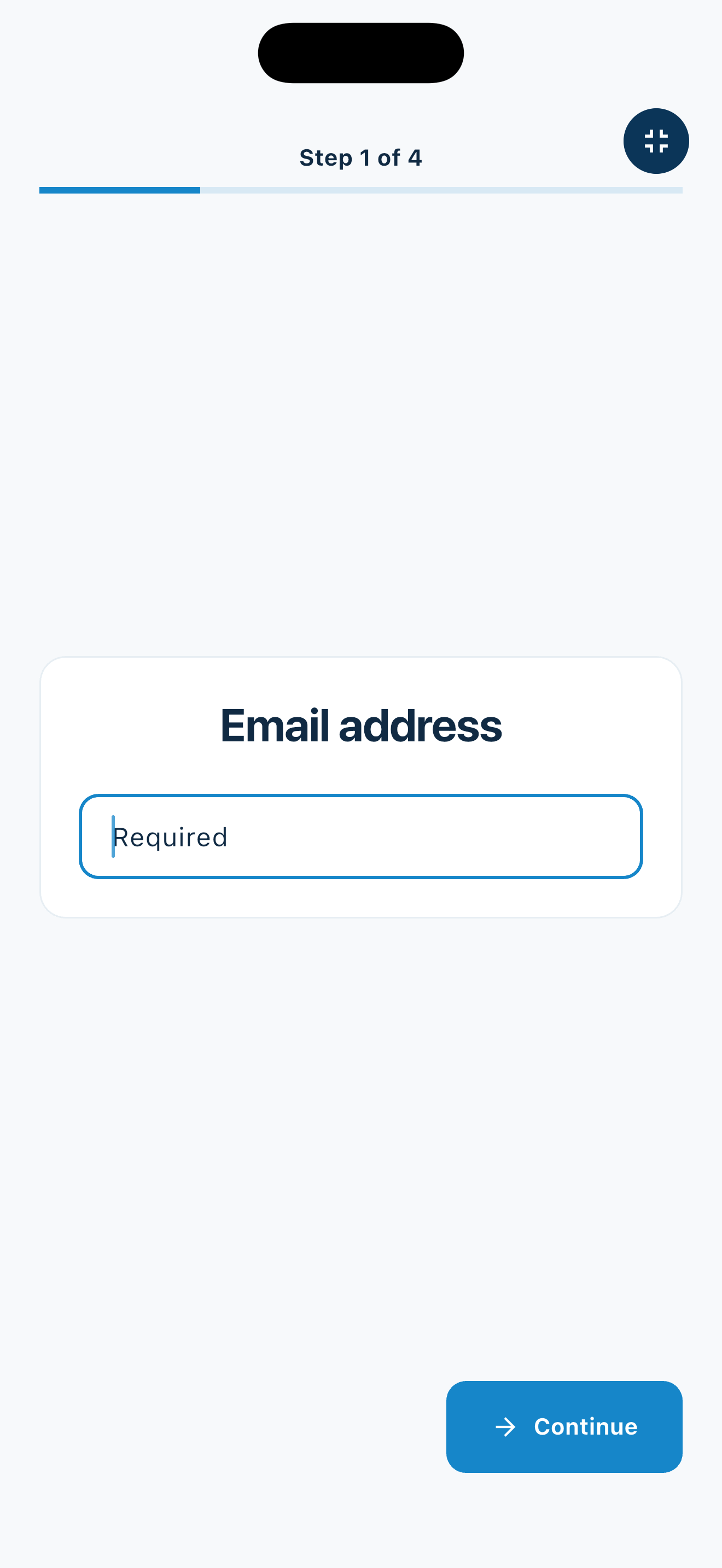
A simple arrival flow
Create a consistent audience sign-in process without turning your entrance into a box office.
Built for establishments that host events
Use the same straightforward workflow whether the night features music, comedy, poetry, storytelling, or a mix of local performers.
Build an audience list at a weekly music, comedy, or variety open mic without adding another paper sheet behind the bar.
Give customers a clear sign-in point for acoustic nights, poetry readings, and recurring community events.
Record audience attendance separately from the performer lineup, ticketing system, or running order.
Learn which guests return to recurring open mic nights and other local programming.
An honest fit check
MemberMaker creates a guest record for the establishment. Performer management, ticketing, and venue operations remain in the specialized tools you already use.
Common questions
No. This page describes using MemberMaker to sign in audience members and other guests at an open mic night. Use a separate performer registration or running-order tool for stage participants.
Place it where arriving guests can easily see it, such as the entrance, host stand, welcome table, or check-in area. It should not obstruct the door or service flow.
Yes. MemberMaker records visits, making it useful for establishments that want to recognize returning guests across weekly or monthly events.
MemberMaker can collect names, email addresses, and phone numbers through its guided sign-in flow. Establishments should follow their own privacy notice and marketing-permission requirements when using guest information.
Yes. Export guest records to CSV for use in an approved spreadsheet, contact-management, or follow-up process.
Start in your browser
Create a web account to manage your organization. When you’re ready for guests, install the kiosk app on your iPad or Android tablet.
Set up your questions and kiosk settings in the web dashboard. See live sign-ins here once your kiosk is running.
Create a web accountReady to set up your kiosk? Download the app and sign in to the same account.