An existing Android device can do the job
Start with compatible hardware your organization already owns instead of purchasing a dedicated kiosk system.
Visitor check-in on Android
Install MemberMaker from Google Play and use a supported Android device for guided, offline-ready visitor check-in, optional checkout, live records, and CSV export.
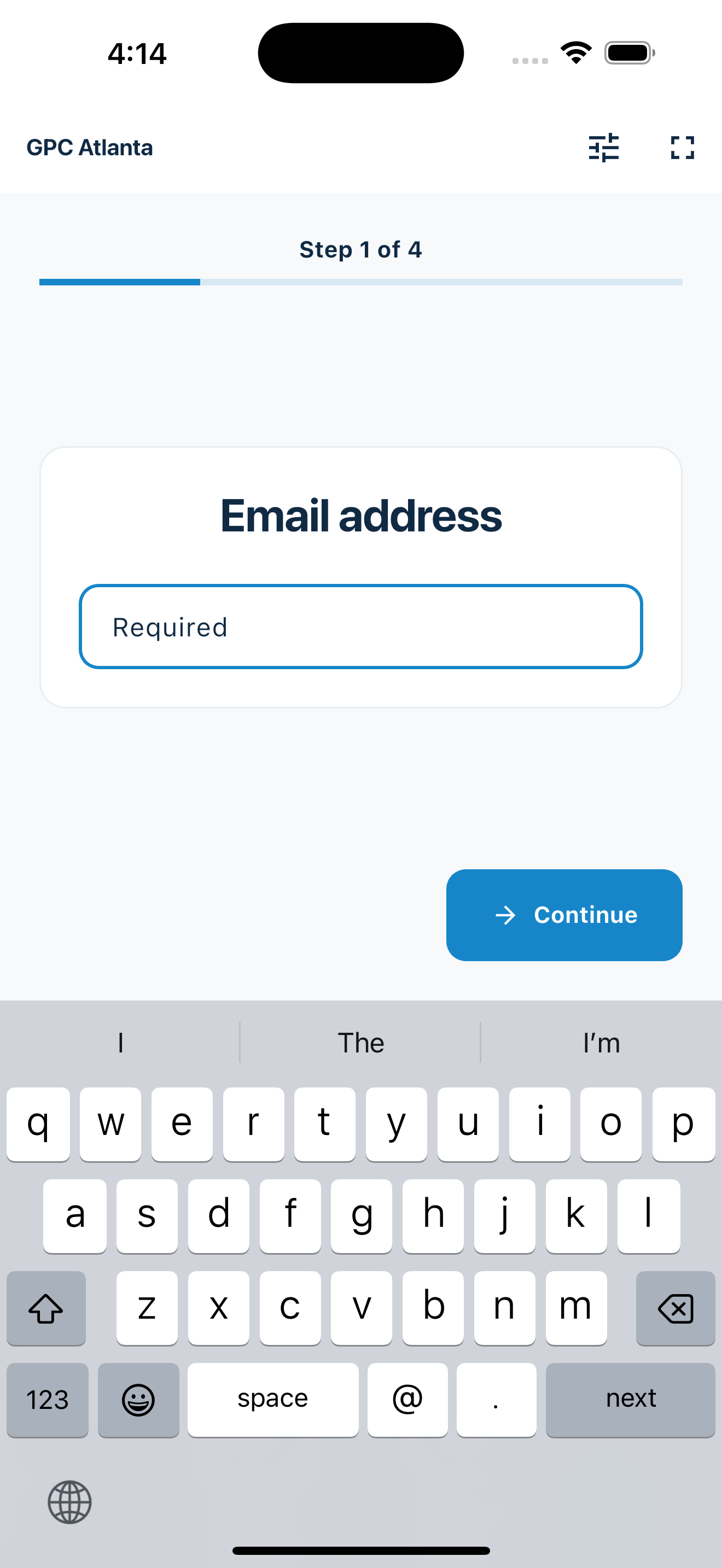
Use the hardware you have
The product stays focused on guest details, repeat attendance, and a useful list after the gathering.
Start with compatible hardware your organization already owns instead of purchasing a dedicated kiosk system.
The flow asks for one piece of information at a time and keeps required steps in order.
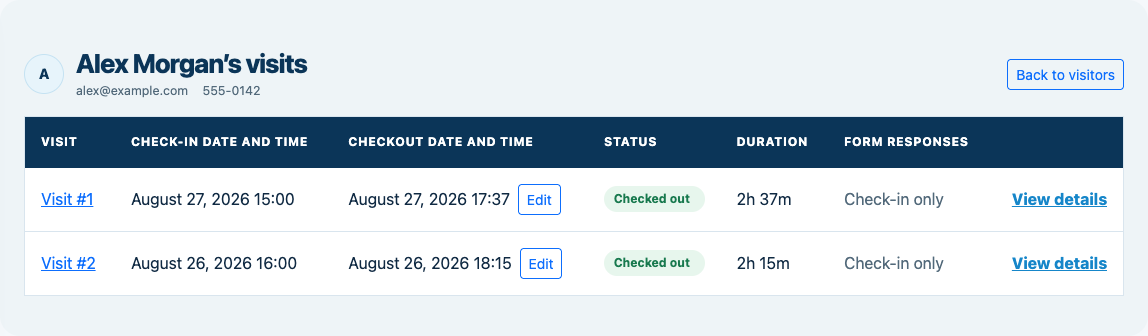
Contact details and repeat visits remain readable and ready to review after the gathering.
Your web dashboard and kiosk app
Create your organization, build and publish kiosk questions, choose required fields, and configure identification and optional checkout. Apply a published question group to your organization’s kiosks from the dashboard.
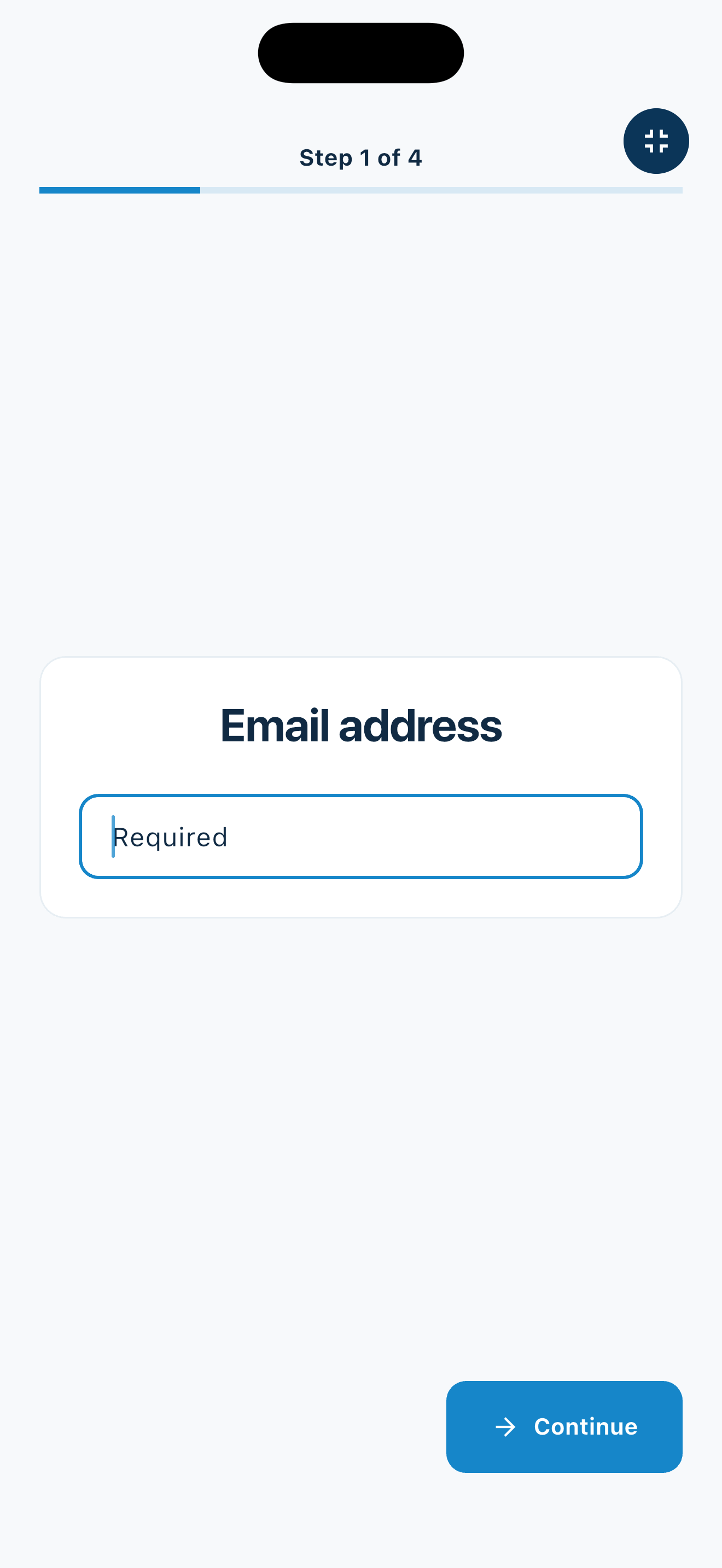
Create a web accountInstall MemberMaker on your iPad or Android tablet, sign in to the same account, and select your organization. Open fullscreen mode so visitors can check in at your table or entrance.


Keep the dashboard open to see arrivals and departures update automatically. Review visitor history, answers, and checkout status, then export records when you need them.

Optional visitor checkout
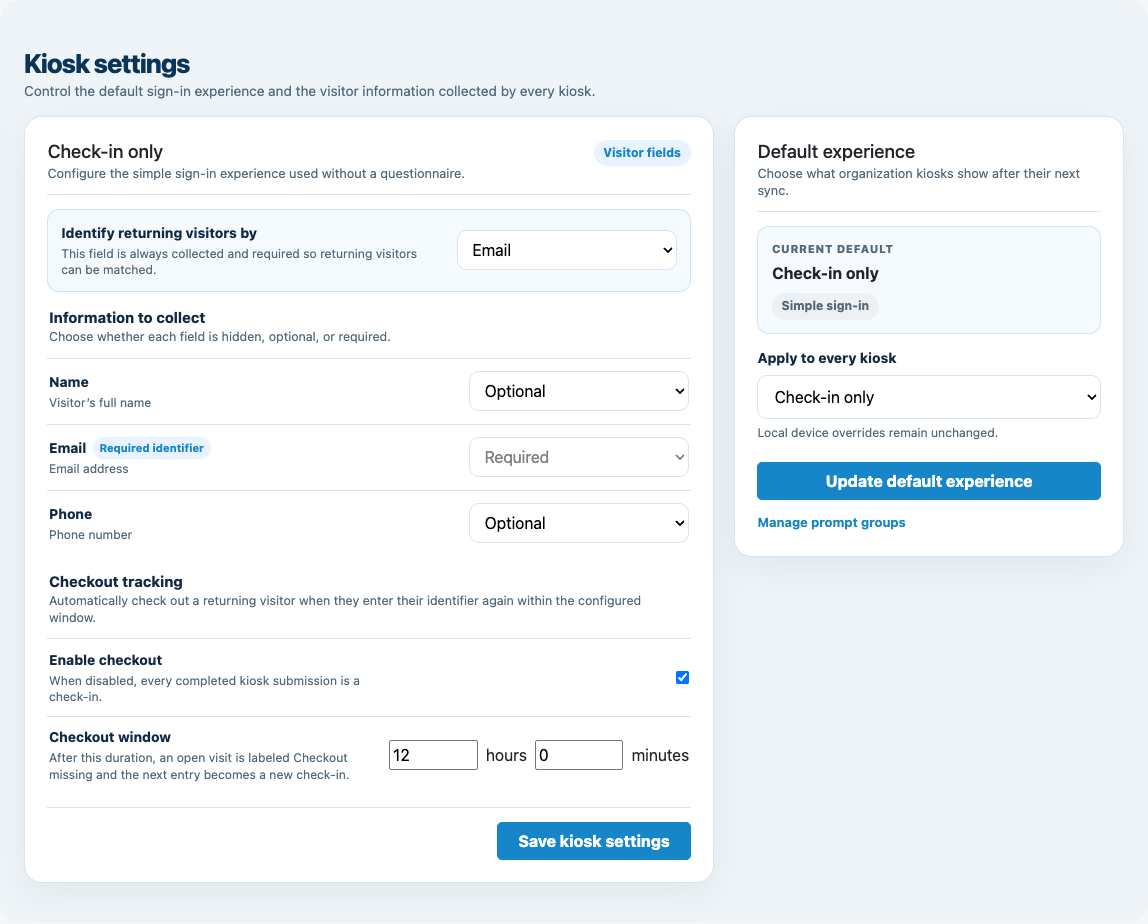
Enable checkout for your organization and choose the return window. When an open visitor enters the same email or phone again within that window, MemberMaker checks them out immediately instead of making them repeat their profile and prompts.
Customizable visitor sign-in kiosk
Create reusable prompt groups for different entrances, events, programs, or visitor types. Add custom questions, choose required fields and answer types, then apply the published form to this device or every kiosk in the organization.



Keep a front-desk form, event questionnaire, volunteer flow, or check-in-only experience ready to use.
Mix text, Yes or No, single choice, multiple choice, number, and date questions in the same group.
Change only the device in your hand or apply one published experience throughout the organization.
Published forms download to the device so visitor sign-in can continue without a connection.
Android setup
Test check-in, optional checkout, offline behavior, and synchronization before opening the station for self-service use.
Portable by design
Use the same guided flow at recurring meetings and temporary events.
Create a larger self-service screen for churches, clubs, and community programs. Enable Group check-in so parents can select saved children after their own check-in.
Carry check-in to a pop-up, workshop, open house, or off-site event.
Reuse a compatible device already available to volunteers or staff.
Record another visit when a guest or participant returns.
An honest fit check
MemberMaker supports the visitor record, not building access or workplace automation.
Common questions
Yes, MemberMaker is available for supported Android phones and tablets through Google Play. Test the app and complete check-in flow on your specific device before the gathering.
Published forms are stored on the device so kiosk check-in can continue during a connection interruption. Pending submissions synchronize in order when connectivity returns.
Yes. When optional checkout is enabled, a visitor can re-enter the same email or phone within the configured window to record departure without repeating the full form.
No dedicated kiosk hardware is required. For self-service use, a stable tablet stand and reliable power connection can make the station easier to use.
Yes. MemberMaker records visits against visitor records so your organization can recognize repeat attendance.
Yes. Export visitor details, check-in and checkout times, status, and duration to CSV for use outside MemberMaker.
Start in your browser
Create a web account to manage your organization. When you’re ready for guests, install the kiosk app on your iPad or Android tablet.
Set up your questions and kiosk settings in the web dashboard. See live sign-ins here once your kiosk is running.
Create a web accountReady to set up your kiosk? Download the app and sign in to the same account.