Reception clipboards expose other entries
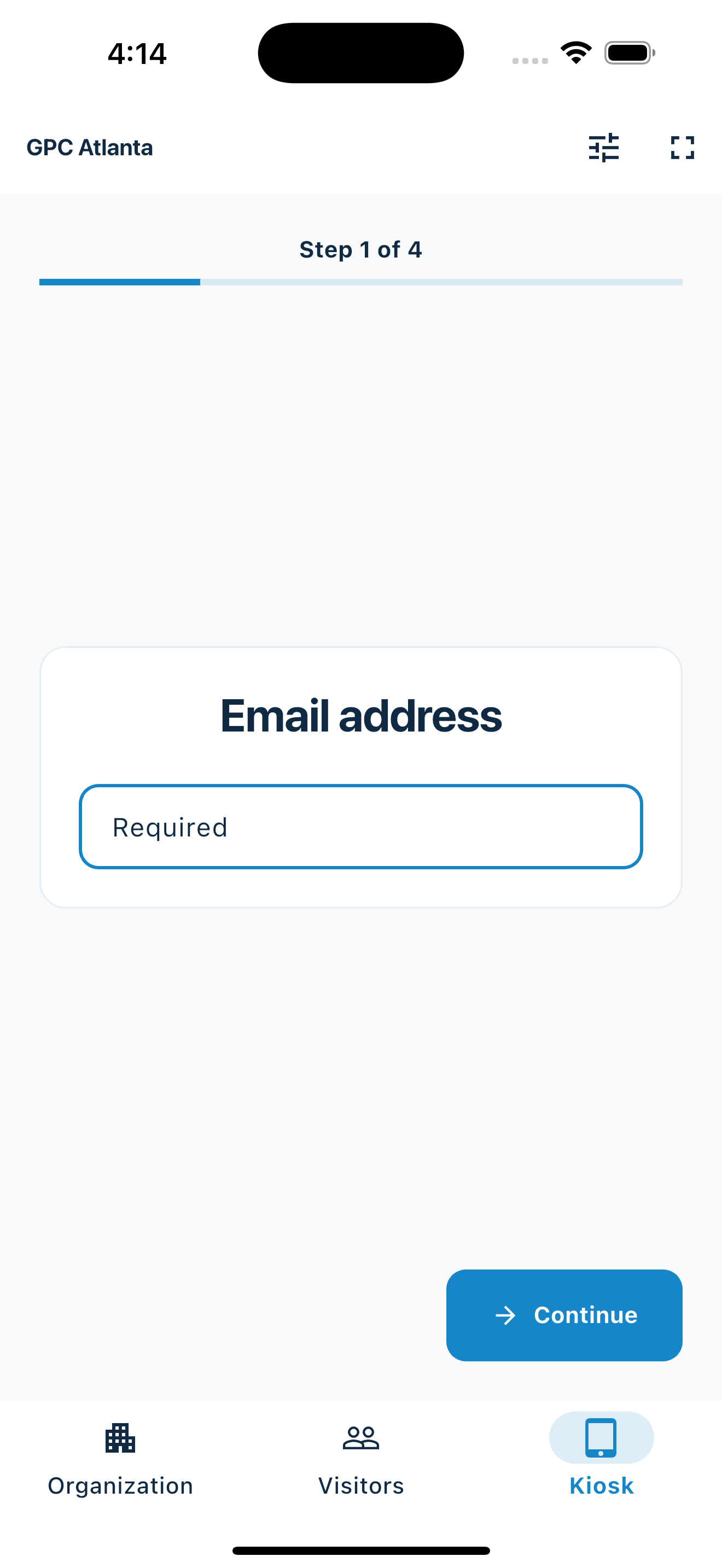
A guided digital flow lets each visitor enter details without browsing the names and contact information written above them on a shared sheet.
Professional office reception
Replace the shared clipboard with a guided phone or tablet flow for accounting, legal, insurance, consulting, property-management, and other administrative offices—without collecting sensitive work details at the door.
A more considered first step
The office gets readable visitor details while guests get one clear question at a time.
A guided digital flow lets each visitor enter details without browsing the names and contact information written above them on a shared sheet.
Client meetings, interviews, vendors, and building services do not always need the same questions or follow-up.
A reception flow should identify the visitor and route the human welcome—not ask for confidential case, financial, legal, or project information.
Your web dashboard and kiosk app
Create your organization, build and publish kiosk questions, choose required fields, and configure identification and optional checkout. Apply a published question group to your organization’s kiosks from the dashboard.
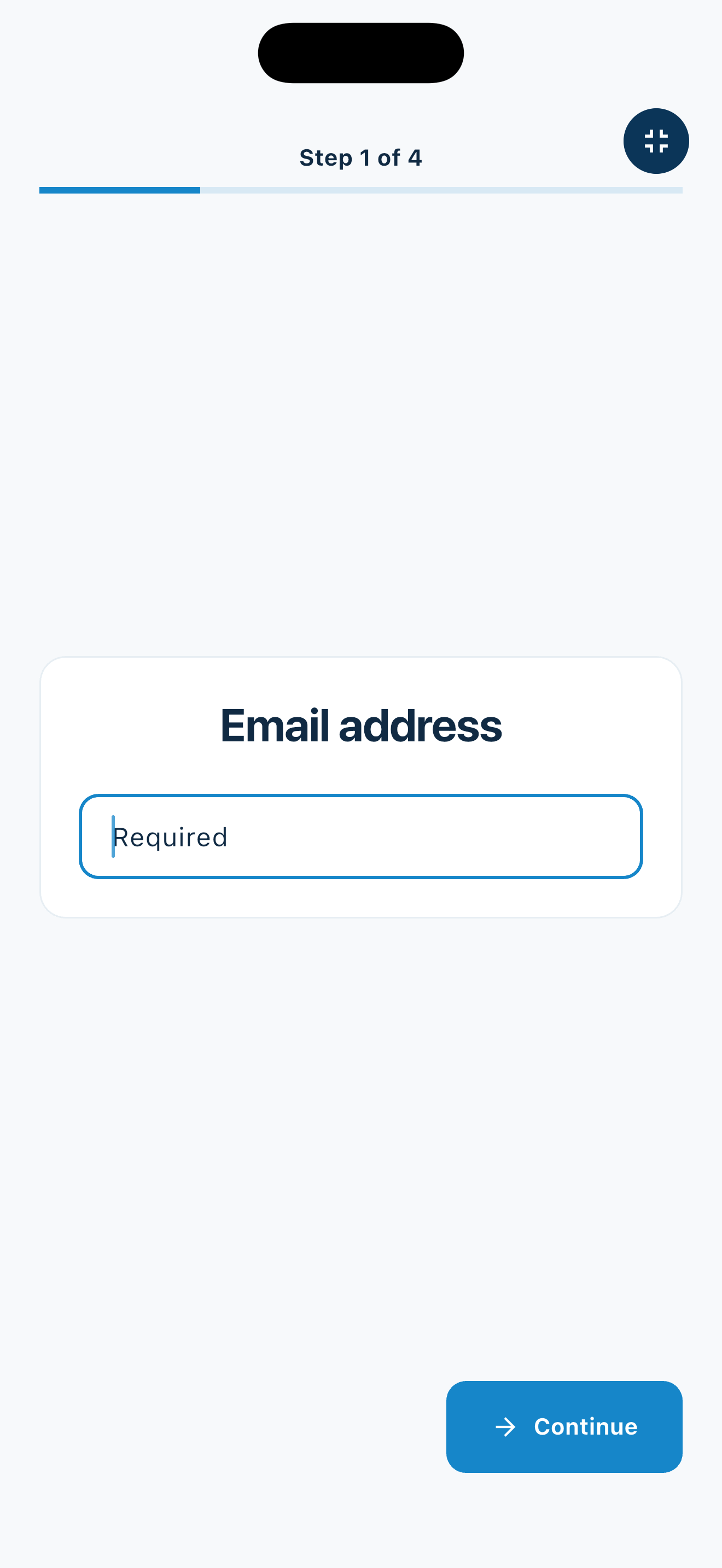
Create a web accountInstall MemberMaker on your iPad or Android tablet, sign in to the same account, and select your organization. Open fullscreen mode so visitors can check in at your table or entrance.


Keep the dashboard open to see arrivals and departures update automatically. Review visitor history, answers, and checkout status, then export records when you need them.

Customizable visitor sign-in kiosk
Create reusable prompt groups for different entrances, events, programs, or visitor types. Add custom questions, choose required fields and answer types, then apply the published form to this device or every kiosk in the organization.



Keep a front-desk form, event questionnaire, volunteer flow, or check-in-only experience ready to use.
Mix text, Yes or No, single choice, multiple choice, number, and date questions in the same group.
Change only the device in your hand or apply one published experience throughout the organization.
Published forms download to the device so visitor sign-in can continue without a connection.
Collect the minimum useful details
Use MemberMaker for arrival and contact records, then move specialized work into the systems and conversations designed for it.
Professional-service offices
Reusable prompt groups let each office reflect its visitor mix while maintaining clear limits.
Record basic arrivals and the person or department expected to assist, without collecting financial or policy details.
Capture contact information and a general visit category while keeping matter details out of the lobby flow.
Create separate flows for tenants, owners, vendors, candidates, and general office visitors.
Record visitors to an administrative office; use dedicated safety systems for active jobsites, workers, and site access.
An honest fit check
MemberMaker is appropriate when an office needs a simple arrival list and nearby staff remain responsible for the visitor.
Common questions
Keep the flow limited to useful reception details such as contact information, company, a broad visit category, and the person or department expected. Do not use a lobby kiosk for confidential case, financial, legal, or project details.
Yes. Publish prompt groups for client meetings, interviews, vendors, or other workflows and select the appropriate experience when reception needs change.
No. A visitor can enter a person or department as a custom answer, but MemberMaker does not send host notifications. Reception staff must monitor the dashboard or use their existing communication process.
Yes, for straightforward visitors to an administrative office. MemberMaker is not designed for active-jobsite access, safety induction, worker credentials, sign-out, or emergency accountability.
Start in your browser
Create a web account to manage your organization. When you’re ready for guests, install the kiosk app on your iPad or Android tablet.
Set up your questions and kiosk settings in the web dashboard. See live sign-ins here once your kiosk is running.
Create a web accountReady to set up your kiosk? Download the app and sign in to the same account.