SwipedOn now points to Sign In App
As checked July 27, 2026, SwipedOn's former public plan-comparison URL redirects to Sign In App. Buyers should verify which current Sign In App package and contract applies.
SwipedOn alternative for simple check-in
SwipedOn became part of a broader workplace platform. MemberMaker takes the opposite approach: a no-subscription check-in app for small organizations that need a clean guest list instead of workplace operations software.
Reviewed by the MemberMaker product team. Prices and capabilities are checked against the official vendor sources linked below.
The market has changed
Brand and plan changes make it especially important to verify current terms while keeping the product comparison focused on real requirements.
As checked July 27, 2026, SwipedOn's former public plan-comparison URL redirects to Sign In App. Buyers should verify which current Sign In App package and contract applies.
Sign In App promotes visitor and employee sign-in, notifications, pre-registration, safety, evacuations, integrations, compliance, and workplace tools.
Use MemberMaker for guided guest details, repeat attendance, and CSV export when you do not need the wider workplace platform.
Your web dashboard and kiosk app
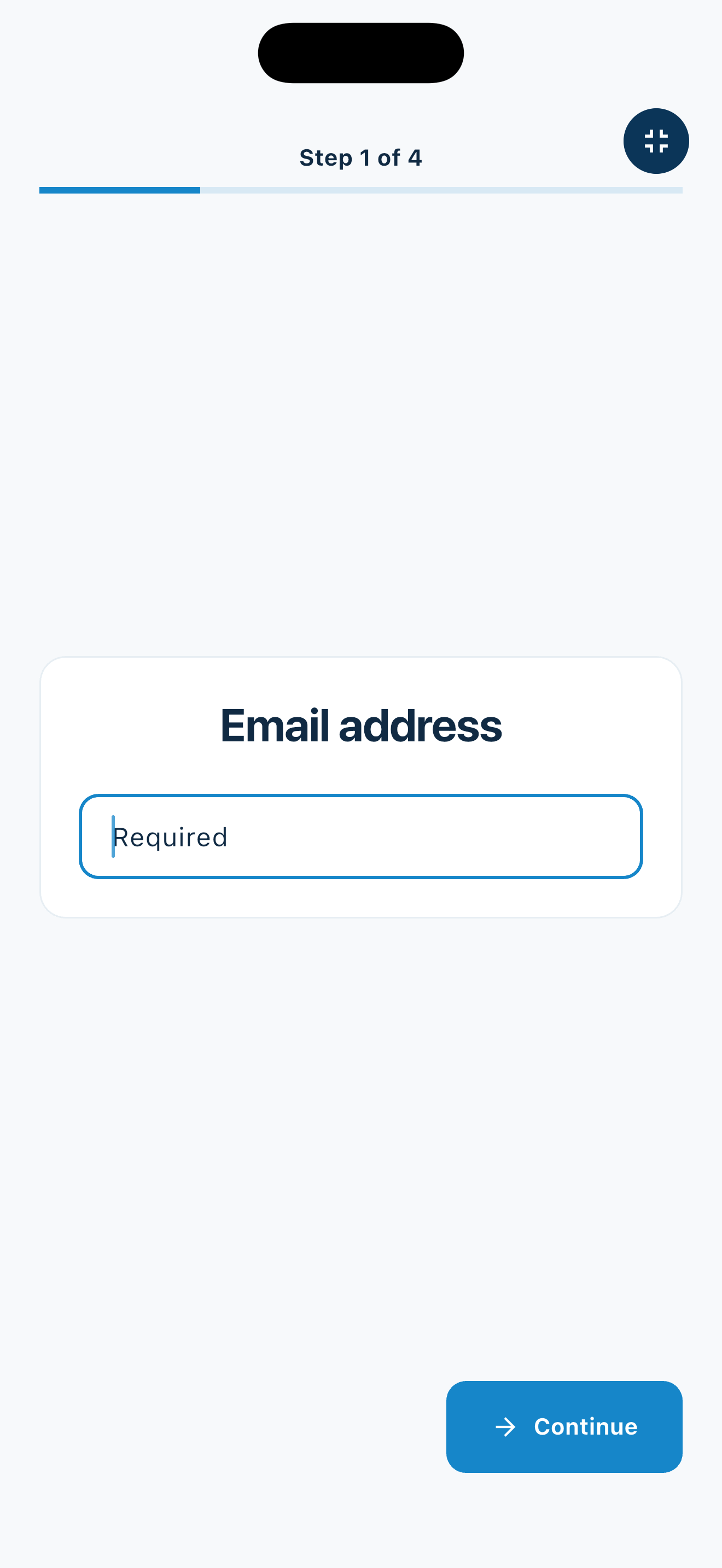
Create your organization, build and publish kiosk questions, choose required fields, and configure identification and optional checkout. Apply a published question group to your organization’s kiosks from the dashboard.
Create a web accountInstall MemberMaker on your iPad or Android tablet, sign in to the same account, and select your organization. Open fullscreen mode so visitors can check in at your table or entrance.


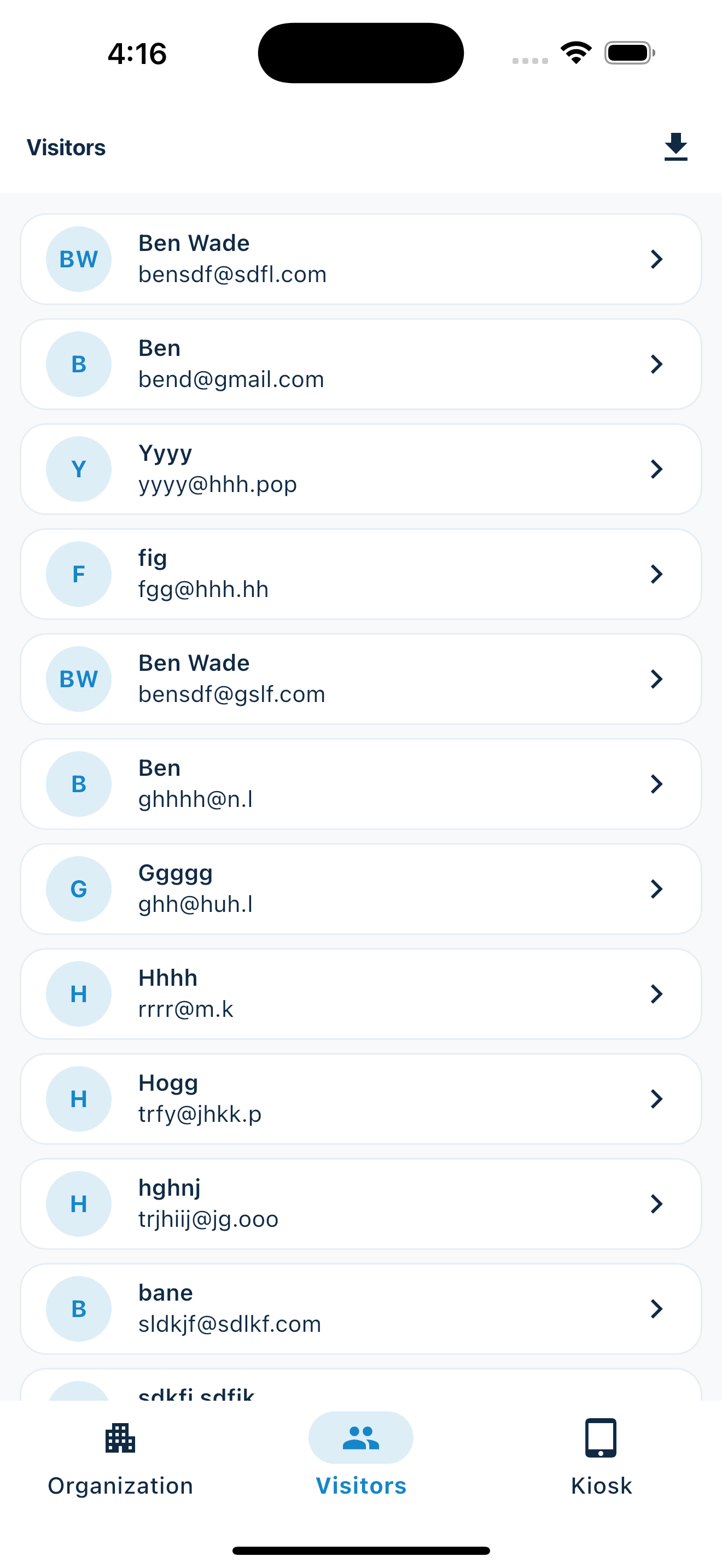
Keep the dashboard open to see arrivals and departures update automatically. Review visitor history, answers, and checkout status, then export records when you need them.

Customizable visitor sign-in kiosk
Create reusable prompt groups for different entrances, events, programs, or visitor types. Add custom questions, choose required fields and answer types, then apply the published form to this device or every kiosk in the organization.



Keep a front-desk form, event questionnaire, volunteer flow, or check-in-only experience ready to use.
Mix text, Yes or No, single choice, multiple choice, number, and date questions in the same group.
Change only the device in your hand or apply one published experience throughout the organization.
Published forms download to the device so visitor sign-in can continue without a connection.
Subscription cost
There is no reliable separate SwipedOn price table at its former URL, so this comparison does not present stale legacy pricing as current.
No subscription or paid plan for its focused kiosk workflow.
The former SwipedOn plan URL now redirects to Sign In App rather than presenting a separate plan table.
Advertised US annual entry price per site through The Receptionist, now Sign In App.
Brand routing and prices checked July 27, 2026. Pricing excludes potential taxes, hardware, add-ons, and other services; existing SwipedOn contracts may differ. Former SwipedOn plan URL · Official Sign In App pricing · Official US pricing.
Side-by-side
MemberMaker is less expensive because it intentionally leaves the workplace, security, and staff workflows to products designed for them.
| Capability | MemberMaker | SwipedOn / Sign In App |
|---|---|---|
| Best fit | Small organizations and gatherings | Workplaces managing visitors, employees, safety, and compliance |
| Ongoing software cost | No subscription | Paid site subscriptions after the trial |
| Guided kiosk check-in | Yes | Yes |
| Repeat attendance | Yes | Yes |
| Custom visitor questions | Seven prompt types in reusable groups | Configurable workflows available by plan |
| CSV contact export | Yes | Reporting and export tools |
| Employee and host workflows | No | Yes |
| Badges, agreements, and screening | No | Available by plan and setup |
| Safety and evacuation features | No | Yes |
Switch carefully
An existing SwipedOn deployment may support more than the visitor screen people see at the front desk.
An honest fit check
The products overlap at check-in but differ sharply after a visitor submits their details.
Common questions
MemberMaker is a free SwipedOn alternative for organizations that only need visitor contact capture, repeat visit records, and CSV export. It does not replace workplace notifications, compliance, badge, or emergency features.
SwipedOn's former public plan-comparison URL redirected to Sign In App when checked July 27, 2026. Existing customers should confirm their exact product, contract, and migration status with the vendor.
The Receptionist, now Sign In App, advertised a US Core plan at $630 per site per year on July 27, 2026, with higher Enhanced and Pro tiers. Current pricing and the plan applicable to a former SwipedOn account should be verified directly.
No. MemberMaker records visitor details and visits but does not maintain an employee directory or automatically notify a host.
MemberMaker exports visitor names, email addresses, and phone numbers to CSV for use in an approved spreadsheet, mailing tool, or follow-up workflow.
Yes. MemberMaker lets staff create, order, preview, and publish custom prompts, then apply a form to one kiosk or every organization kiosk. Its scope remains narrower than Sign In App's workplace and safety platform.
Start in your browser
Create a web account to manage your organization. When you’re ready for guests, install the kiosk app on your iPad or Android tablet.
Set up your questions and kiosk settings in the web dashboard. See live sign-ins here once your kiosk is running.
Create a web accountReady to set up your kiosk? Download the app and sign in to the same account.